eIcons - eJimi www.islabikes.co.uk
Step 11 of 12
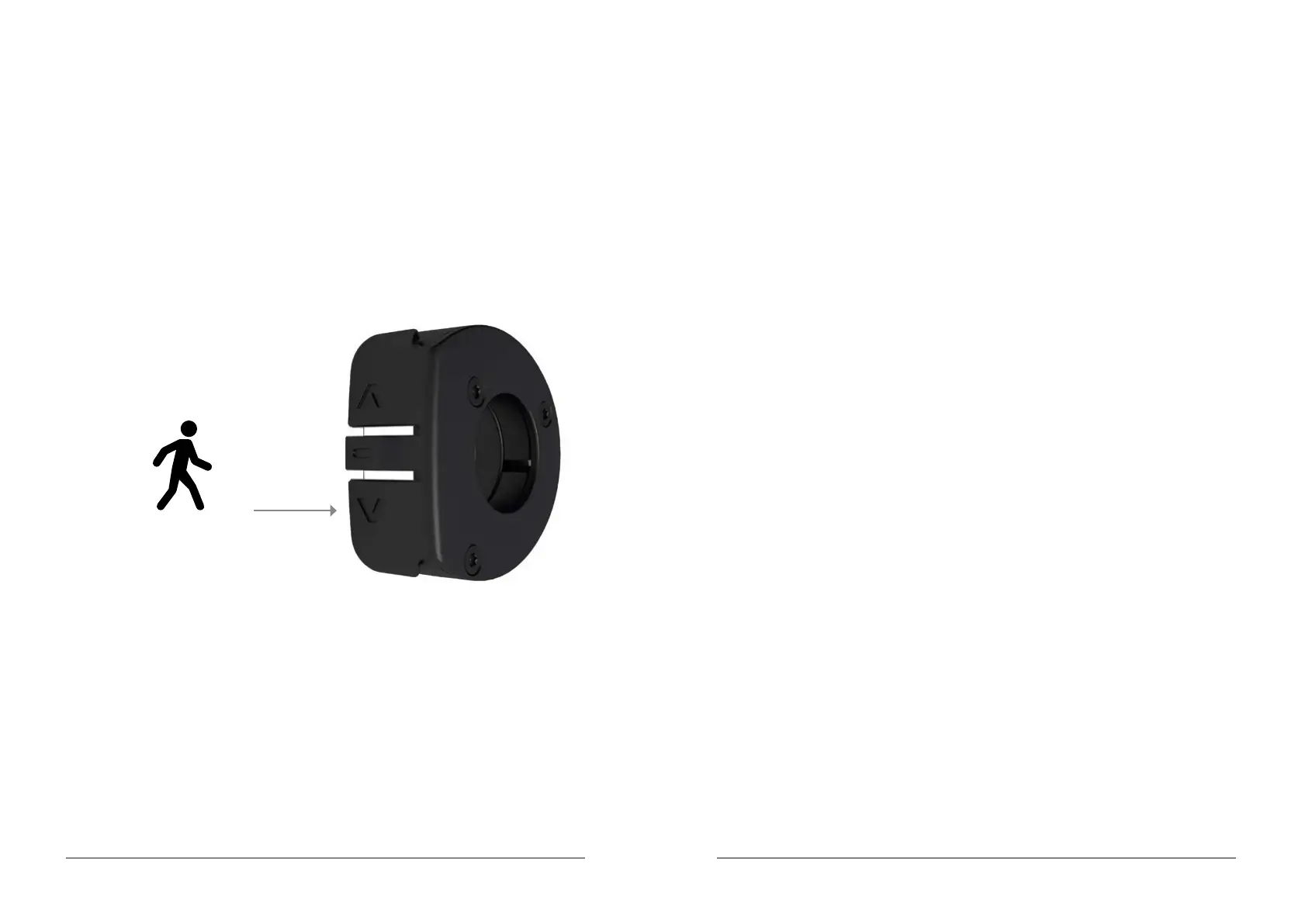
Walk mode
1. Press and hold button until the LED ashes white. The bicycle will
advance at a constant 5km/h as long as the button is depressed.
Long Press: Walk Mode
It is important to bed-in your new brake pads to achieve optimal
performance, increase pad longevity and reduce the likelihood of brake
fade and noise.
To safely achieve optimal results, remain seated on the bike during the
entire bed-in procedure. Accelerate the bike to a moderate speed (12mph /
20kph), then rmly apply the brakes until you are at walking speed. Repeat
approximately twenty times. Next, accelerate the bike to a faster speed,
then rmly apply the brakes until you are at a walking speed. Repeat
approximately ten times.
Important: Do not lock up the wheels at any point during the bed-in
procedure. Allow the brakes to cool prior to any additional riding. If you
require further information about your brakes, contact our technical support
team on +44 (0)800 008 6297 or email techsupport@islabikes.co.uk.
Step 12 of 12
Brake pad bed-in


 To Next Page