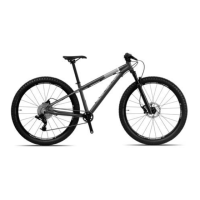
eIcons - eJimi www.islabikes.co.uk
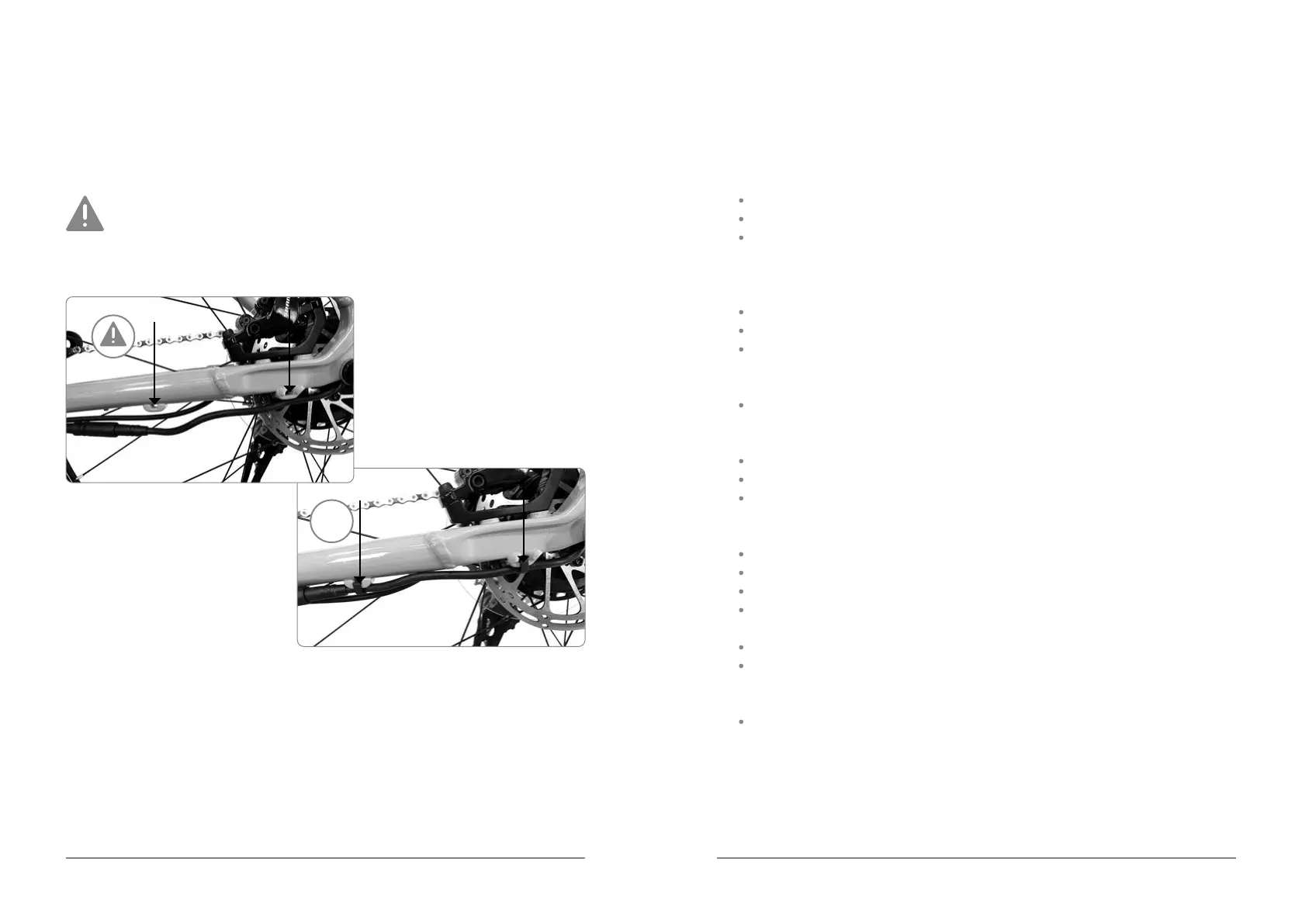
Retting the rear wheel continued
7. Re-attach the cable guide clips.
You must complete this nal step in order to prevent the cable
from getting trapped in the rear wheel. Failure to do so may result in
serious injury or even, in severe circumstances, death.
OK
Troubleshooting
1. If you turn the bike on after a full charge and nd that it has not
charged at all:
Use the App to nd and clear the error code.
Re-start your bike and it should now be ready to use.
If not, please contact Islabikes.
2. If you turn the bike on after a full charge and it is showing fully charged
but will not go:
Press and hold the power button for 15 seconds.
Your bike should be now ready for use.
If not, please contact Islabikes.
3. If you turn the bike on after a full charge and it is still showing a low charge:
Please contact Islabikes.
4. If your bike does not seem to be charging at all:
Check the plug connection at the wall.
Check the connection to the charging port on your bike.
If the bike still does not begin to charge, please contact Islabikes.
5. If the motor assist does not work:
Check the PAS sensor (on the drive side of the rear hub) is in position.
Check the PAS sensor is correctly oriented.
Check the PAS sensor plug is correctly attached.
Check the motor cable (on the non-drive side of the rear hub) is
correctly attached.
Check visually for any damage to the cables.
If the motor assist still does not work, please contact Islabikes.
6. If the iWoc Trio shows a steady pink LED:
Your eIcons is in ‘Safe Mode’. Please contact Islabikes for assistance.


 To Next Page