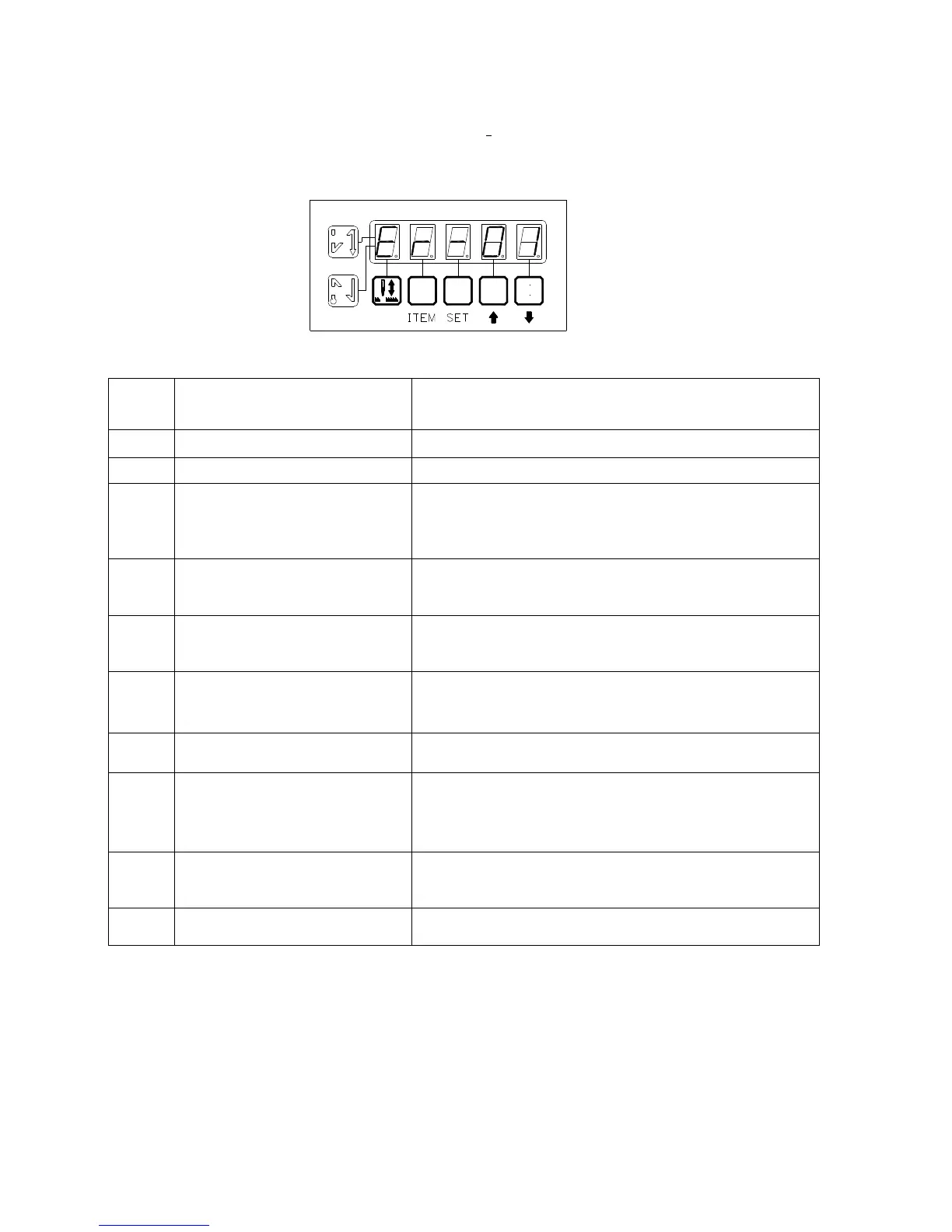
III Error message indicator
錯誤訊息顯示:
When abnormal condition occurs, the error message will displayed as below figure.
當發生不正常狀況時, 顯示畫面會將檢測出的錯誤訊息顯示出來. 如圖所示:
Error message display:
錯誤訊息顯示:
Error
Code
Description of error detected
Items to be checked
Er-0
Over current -Current is too high.
Er-1
Synchronizer failure -Synchronizer connector is loosen or line is broken.
Er-2
Motor is not rotating -Machine head is locked.
-Motor is locked.
-
Motor power line or encoder line. is broken, or connector is
loosen.
Er-3
Power failure -Voltage is either too high or too low.
-Power phase error.
-Fuse (F2) is burned out.
Er-4
Safety switch failure -Failure in safety switch connection.
-Safety switch failure
-Setting error for parameter No.35.
Er-5
Speed unit output failure -Speed unit connector is loosen
-Speed unit is broken
-Connecting rod installation is incorrect
Er-6
CPU error -Noise interference
(Ex. High frequency machine, welding machine)
Er-7
Material edge sensor function
failed.
-Parameter No.42 setting error
-Material edge sensor not properly adjusted
-Connector for material edge sensor is loosen
- Material not properly settled through machine
Er-8
Setting speed over t
maximum speed.
-Parameter No.1 setting value is too large
-Motor pulley diameter is too small
-Motor pulley ratio setting error
Er-9
Power transistor module is failed. -Power module overheated
-Short circuit or low voltage
B
CD
A
A C DB



 To Next Page