20
3.6 Diode testing
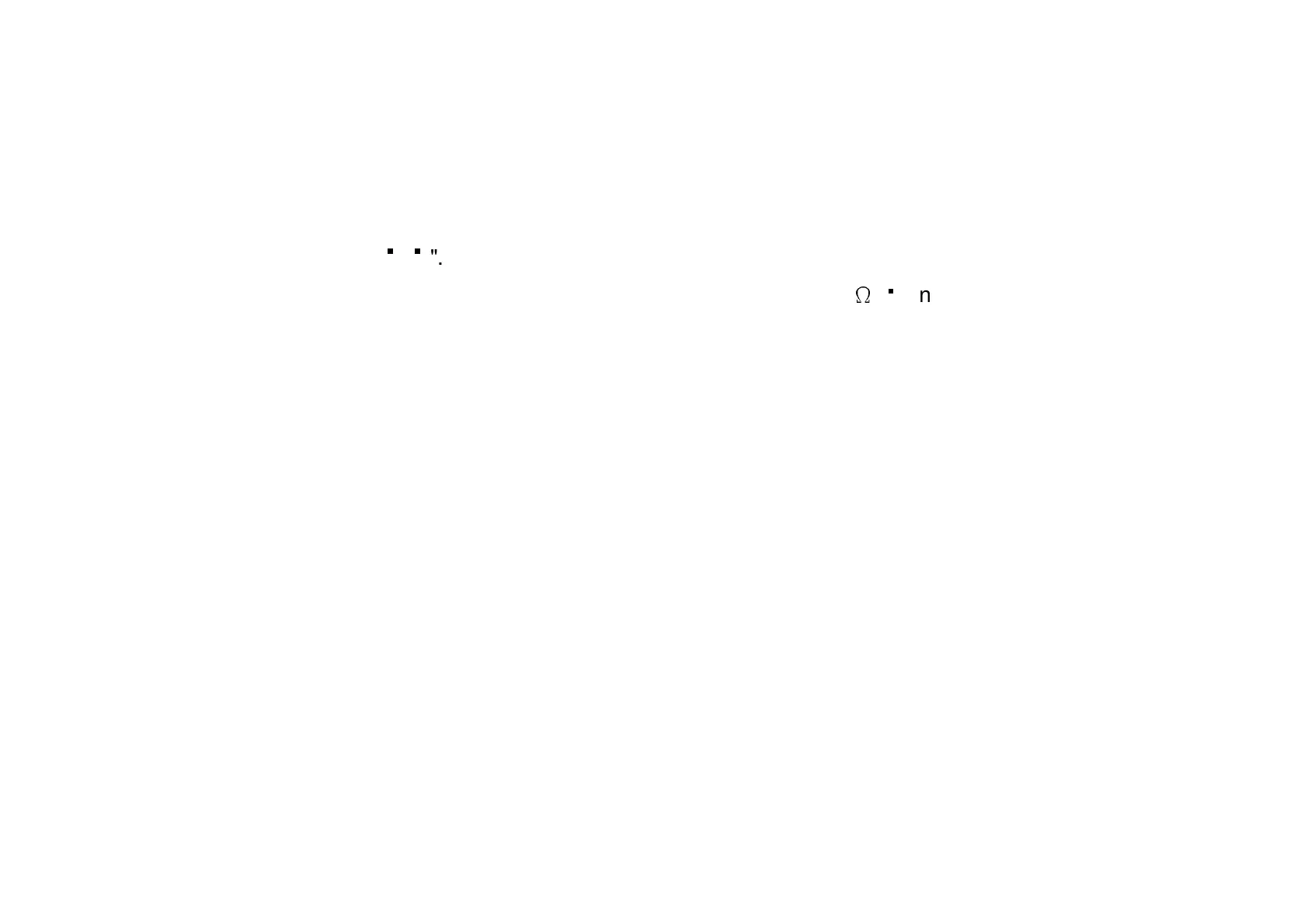
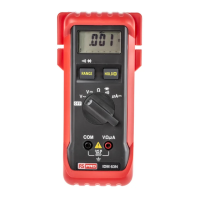
1. Turn the function switch to "
".
2. Plu
the black lead into the "COM" input terminal and the red lead into the "V -
è
-
" input terminal.
3. Connect the probes to the diode to be tested. With a non-fault
silicon diode, the volta
e shown in the forward direction
will be between 0.400 and 0.900V. When the diode bein
tested is fault
, "000" (short-circuit) or OL (open circuit) will be
shown.
4. When tested in the opposite direction (blockin
direction), "000" or a different value will appear for a fault
diode.



 To Next Page