21
(4) Changing batteries
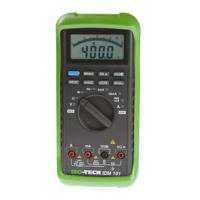
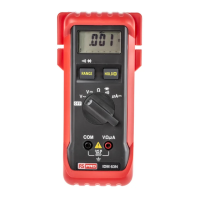
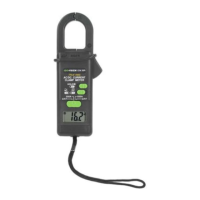
These meters are powered b
two 1.5V batteries (97) or one 9V batter
(97RMS). To chan
e the batteries, see
Fi
.2A and follow the instructions
iven below.
1. Remove the probes from the item bein
measured and switch the meter off. Unplu
the leads from the input
terminal .
2. La
the meter front-face-down on a work surface and unscrew the three screws in the bottom half of the case.
3. Carefull
lever up the end of the bottom half of the case closest to the LCD displa
until it unclicks from the bottom
half.
4. Take the batter
out of the top half of the case and carefull
disconnect the batter
connector from it.
5. Press the batter
connector onto the new batter
until it clicks home and fit the batter
into the top half of the case.
Make sure that the batter
connectin
lead will not
et cau
ht between the top and bottom halves of the case.
6. Refit the bottom half of the case to the top half. See that all the seals are properl
seated and that the two hooked
lu
s are correctl
en
a
ed in the top half of the case. Screw the three screws back in.



 To Next Page