How to Install the ISONAS PureIP Reader-controller
2.2.8 : EDK LED STATUS INDEX
The EDK has two status LEDs
Power LED:
Located on the side towards the Pure IP Reader-Controller’s pigtail.
A Red LED indicates 12VDC power is being supplied to the EDK.
Communication Status LED:
Located on the side towards the Lock wiring.
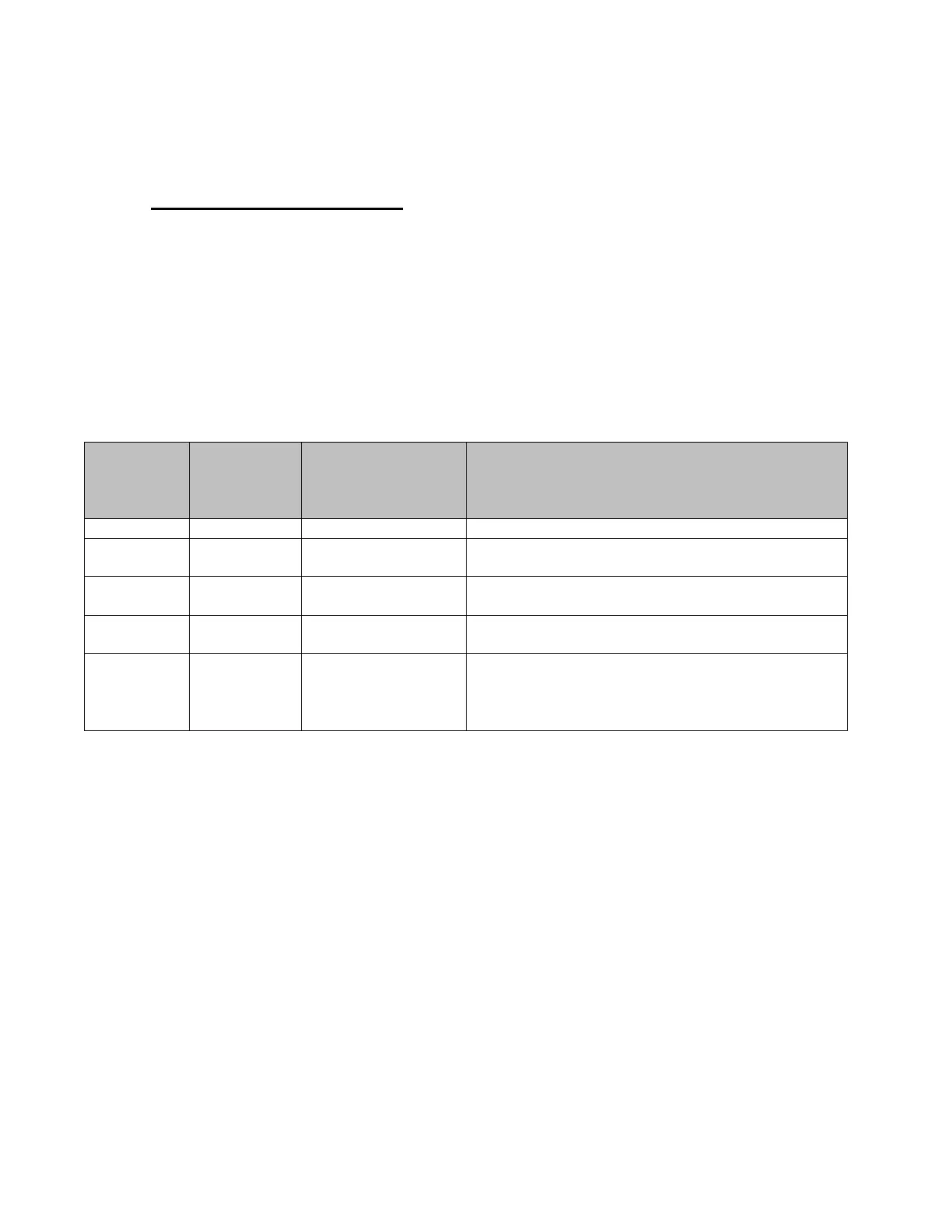
LED status meaning are described in the table below.
Pure IP
Reader-
Controller
Locked
Pure IP
Reader-
Controller
Unlocked
Lock State when
Pure IP Reader-
Controller is
unlocked
Description or Item to Check
Yellow wire may be disconnected
White wire may be disconnected
Invalid encryption key received from Pure IP
Reader-Controller
If PowerCycle of Pure IP Reader-Controller
allows for one or more lock operations,and
then the lock stops operating, then the
BackEMF diode may not be installed correctly.


 To Next Page