iSYSTEM, October 2016 12/69
cause any conflicts and for an alternative port address, also contact your network administrator. When the correct
settings are entered, click on the ‘Apply changes’ button. This writes the changes to the Emulator.
The Emulator must be switched off and then on again in order for changes to take effect.
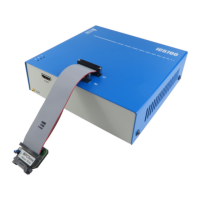
Emulator’s MAC address is written on the same sticker where you will also find device serial number as it is
shown on the next picture.
Second step: Configuring communication
There are two ways of configuring TCP/IP in winIDEA: manually or by automatic discovery.
Manual Configuration
Select the Hardware/Communication tab.
Hardware/Communication tab
Select the TCP/IP button and enter the IP Address and the TCP Port, as entered above into the Emulator.
Connect the Emulator to the Ethernet, if not already connected, and click on the ‘Test’ button. The
communication should be up and running.
Configuration with Automatic Discovery
Select the Hardware/Communication tab.


 To Next Page
 Loading...