22
Step 1.
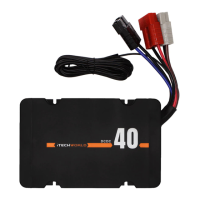
Connect the positive and negative copper terminal wires to the corresponding
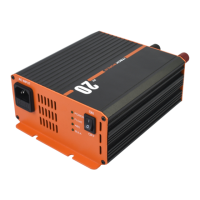
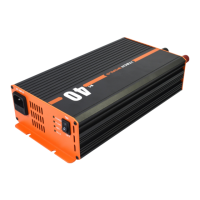
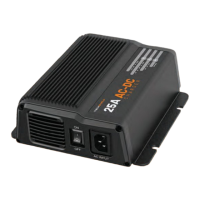
terminal on the iTECHBC25.
Step 2
Connect the positive and negative copper terminal wires to the correspoinding
terminal on the battery.
Step 3.
Connect the iTECHBC25 to a 240V outlet.
Step 4.
Flip the power switch, the LED lights should now be on.
Step 5.
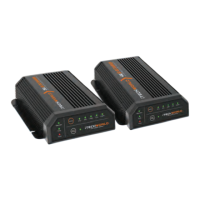
Verify that the iTECHBC25 is functioning properly.
You will know the iTECHBC25 is outputting power when the power,
charging, and battery type LEDs are solid.
QUICK START GUIDE


 To Next Page