8
INSTALL LOCATION:
Choose a suitable location that meets the following criteria:
• Dry: Ensure that no liquids can drip or splash onto the charger. This is crucial to
prevent electrical hazards and damage to the unit.
• Cool: Avoid installing the charger in direct sunlight or near heat sources.
• Ventilated: Maintain a space of 10cm away from the side suction and exhaust
ports to ensure proper heat dissipation.
• Clean: Avoid installing the charger in a dusty environment. Dust can be drawn
into the charger's cooling fan, potentially damaging or reducing its lifespa
n.
• Close to Batteries: Minimise cable lengths between the charger and the
MOUNTING SURFACE:
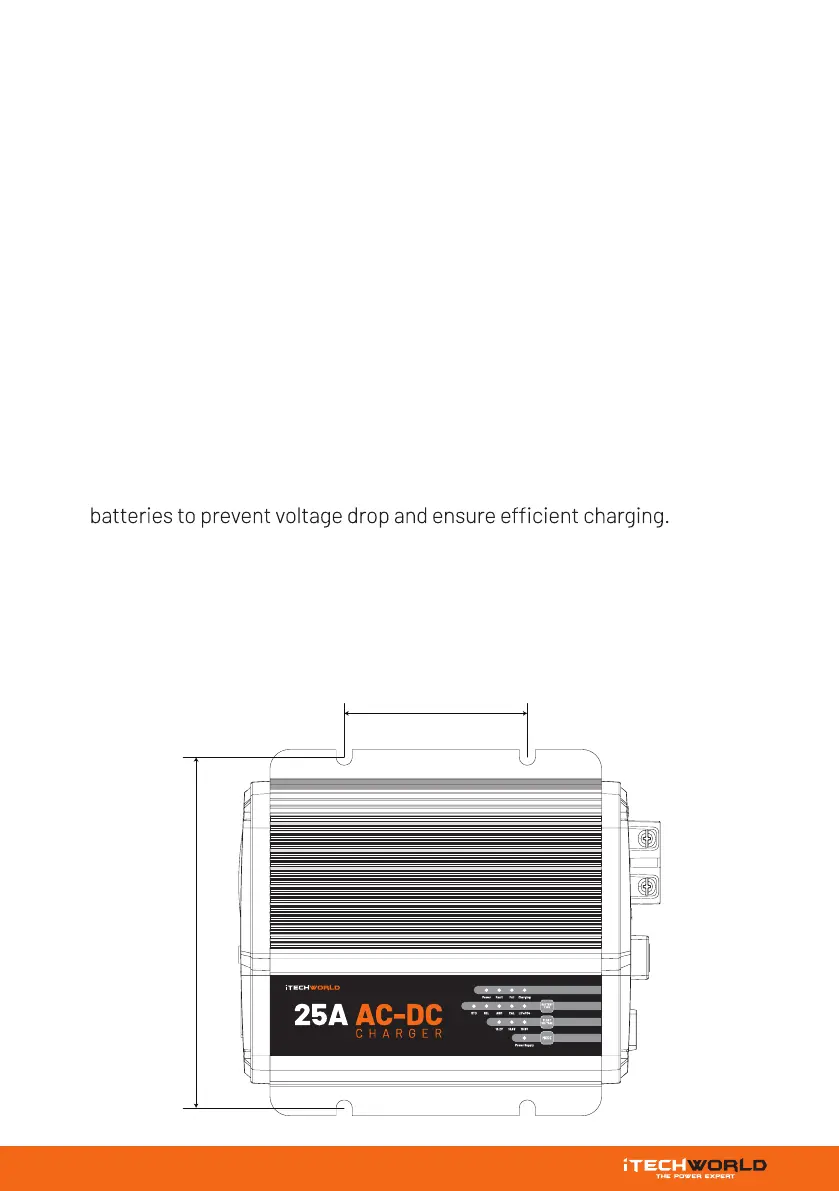
If you are mounting the iTECHBC25 on a hard surface like metal or a wood board,
consider using anti-vibration mounts between the unit and the mounting surface.
This helps reduce vibrations and extends the life of the charger.
INSTALLATION
QNKQVOT
95 mm
182 mm


 To Next Page