6
BATTERY CHARGING PROFILE:
the corresponding button. As a result, the indicator will move one LED to the right.
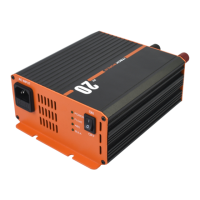
LED CHARGE INDICATOR
UNIT OP
ERATION:
1. Ensure the switch on the front panel is set to the OFF position, and the 240V AC
supply is disconnected.
2. Connect the DC output to the battery that requires charging. Connect the RED
cable to the battery + terminal and the BLACK cable to the battery - terminal.
3. Plug the AC power cable into the AC input socket and switch on the 240V
AC supply.
4. Turn the switch on the front panel to the ON position.
5. Press the “Battery Type’ button to select your battery type, the iTECH
BC25 will
now initiate the charging process for the connected battery.
6. Once the battery has completed its charging cycle, switch the iTECHBC25 off,
and unplug the AC power cable.
7. Disconnect the charging cables from the battery.
8. The iTECHBC25 features a memory function. The next time the unit is
connected to the 240V AC supply, it will continue to charge in the mode you
previously selected.
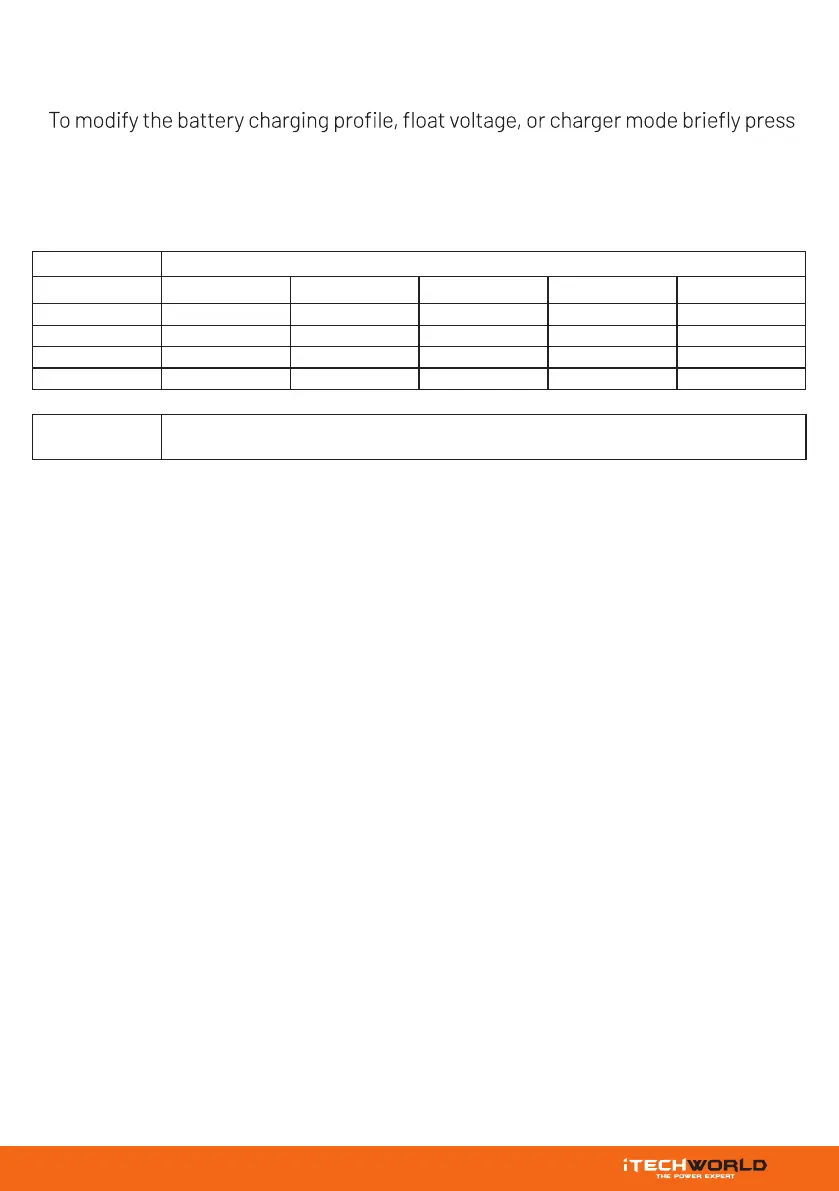
Status LED Light
Power LED Fault LED Full LED Charging LED Battery Type LED
Standby ON OFF OFF OFF OFF
Charging ON OFF OFF ON ON
Float ON OFF ON OFF ON
Fault ON ON OFF ON ON
Power supply LED
This mode allows the iTECHBC25 to output a stable voltage and current without being connected to a battery.


 To Next Page