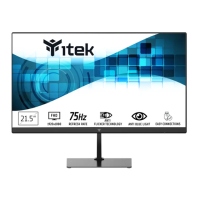
OSD Menu
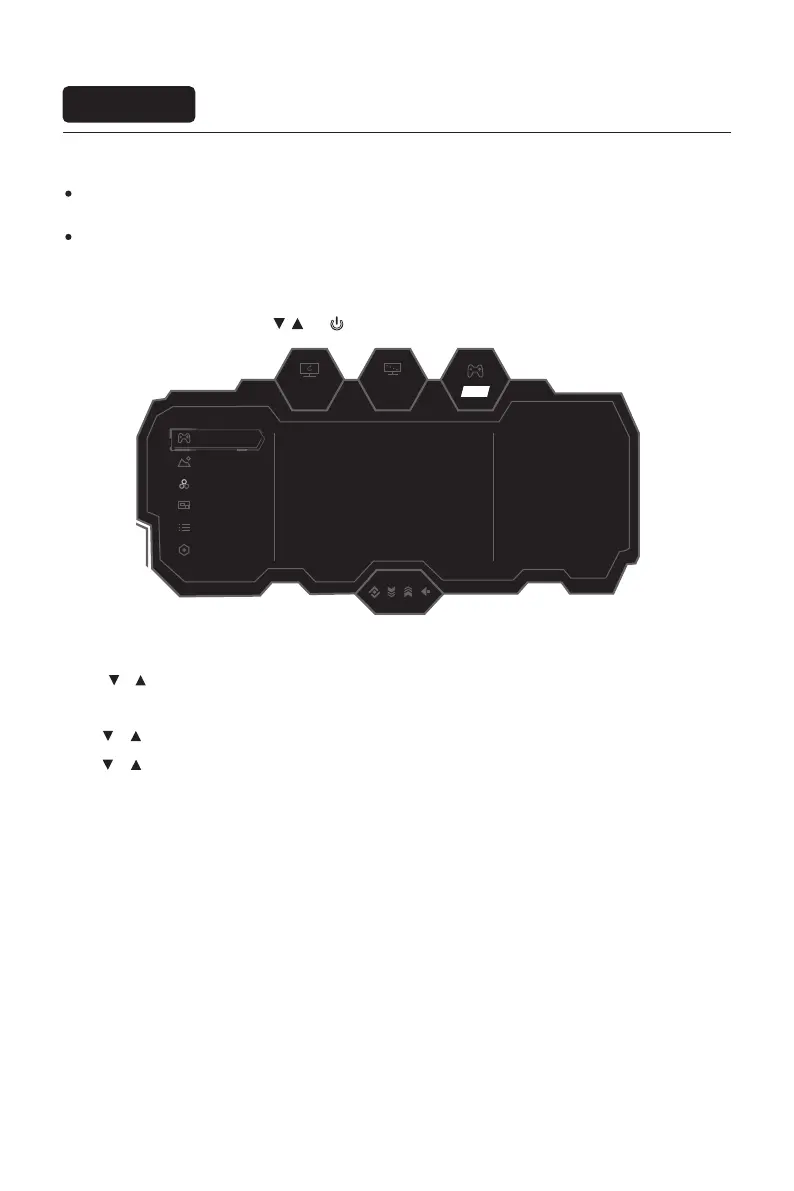
The screen display (OSD) menu can be used to adjust settings of the monitor and is shown on the screen after the
monitor is powered on and the
M
button is pressed.
Menu description
The color and shape of the OSD menu of the actual computer may be slightly different from them shown in the
figure.
Specifications of the OSD menu may change with improvements of functions without prior notice.
165hz
2560
x
1440
OFF
Game Settings
Other Settings
OSD Settings
Color Settings
Picture Settings
Standard Mode ON
OFF
OFF
OFF
OFF
50
RTS/RPG Mode
FPS Arena Mode
MOBA Arena Mode
Adaptive-Sync
Shadow Balance
PIP/PBP
1. Press any one of the buttons (
M
, , ,
E
, ) to enter the OSD screen.
2. Press or to browse through the functions.
-Select the desired function, then press the
M
button to enter the sub-menu.
-Press or to browse the sub-menus, and then press the
M
key to confirm the selection of the desired function.
-Press or to select an option, then press
M
to confirm the setting and exit the current menu.
3. Press
E
to exit the menu interface。
Eng-8


 To Next Page