3
The iTero Element User Interface
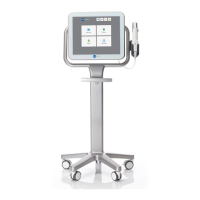
The iTero Element system provides an intuitive user interface for performing digital scans
for Restorative or Orthodontic use. The doctor is guided through the scanning sequence by
means of visual and text assistance. The touchscreen and wand buttons are used to respond
to screen instructions during the scanning process.
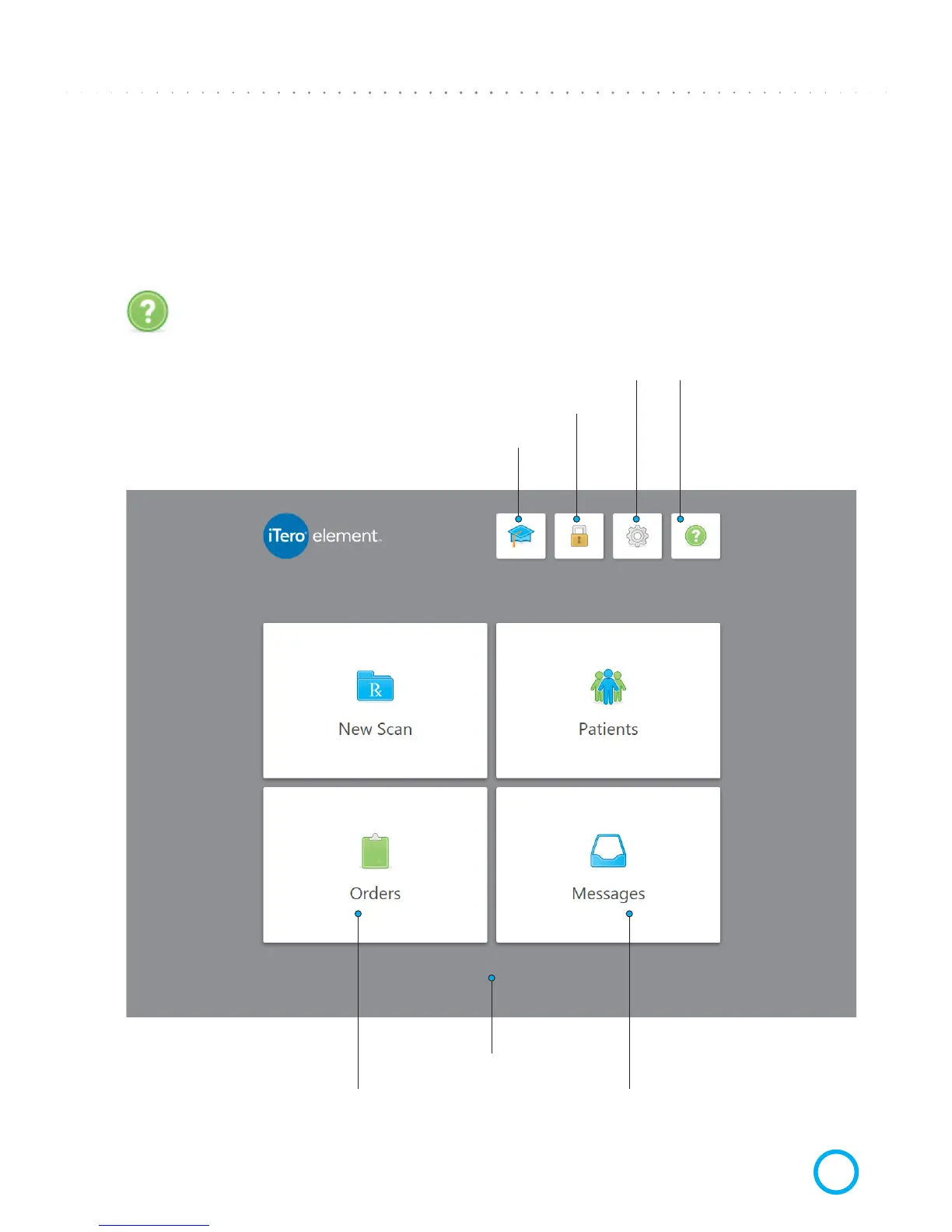
One tap on the question mark will enable a transparent Help overlay that will provide
a brief overview. Please note that the Headset image appears instead of the question
mark while in this view. Tap anywhere to close the help screen and return to the
relevant screen.
Tap to enter the Learning Center or start training
Tap anywhere on screen
to close this help overlay
(Tap to start a new case) (Tap to see/search patient list)
Tap to lock the desktop
Tap to set your preferences Double tap to connect
to a support agent for
remote troubleshooting
(please call support rst)
Tap to view notications,
updates and other messages
from Align Technology
Tap to check the
status of your orders


 To Next Page