8
Track Your Sleep
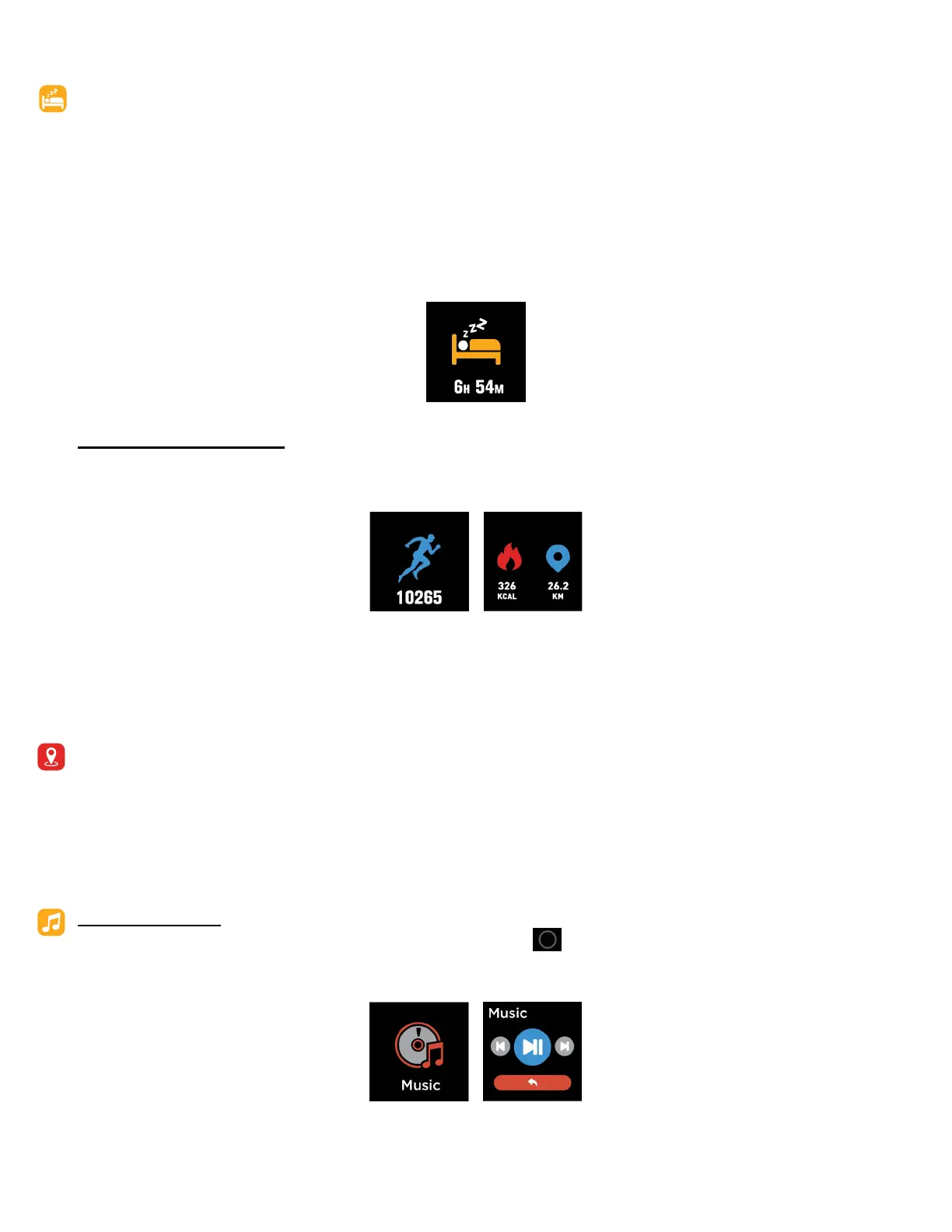
Your iTOUCH Fuse will automacally track your me asleep and sleep stages (Time spent in REM, light
sleep and deep sleep). To see your sleep score and stats, sync your smartwatch when you wake up and
check the app.
Learn about your sleep habits
iTOUCH Fuse tracks several sleep metrics including the amount of sleep you get and provides you with
an overall sleep score number for that night. It will track your wake me and your light sleep me. Along
with deep sleep.
FITNESS AND EXERCISE
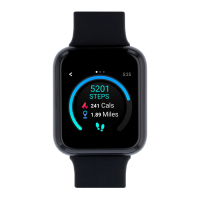
Track walks and runs with the smartwatch and the app to see real-me stats, including calories burned,
distance traveled, and elapsed me.
For complete workout stats, recap, route and pace informaon make sure to use your smartphone’s con-
nected GPS. Review your exercise history via the iTOUCH Fuse app.
Note: The Connected GPS feature on the iTOUCH Fuse works with the GPS sensors on your nearby
phone.
To use Connected GPS
From the dashboard of the app, scroll down and hit Running Mode. A new screen will appear that will
say Start. Tap Start. A countdown will appear and once complete, connected GPS mode will be enabled
unl you pause or completely stop it. This screen will showcase your steps, pace, and calories burned.
You will have an opon to toggle between this screen or an actual live map of your route. Once complet-
ed, you can view distance traveled.
MUSIC REMOTE
To remotely control your music from your smartwatch, hold buon on the Music feature on the
smartwatch. The music remote allows you to Play/Pause, Skip Forward, or Skip to previous music from
your music apps.


 To Next Page