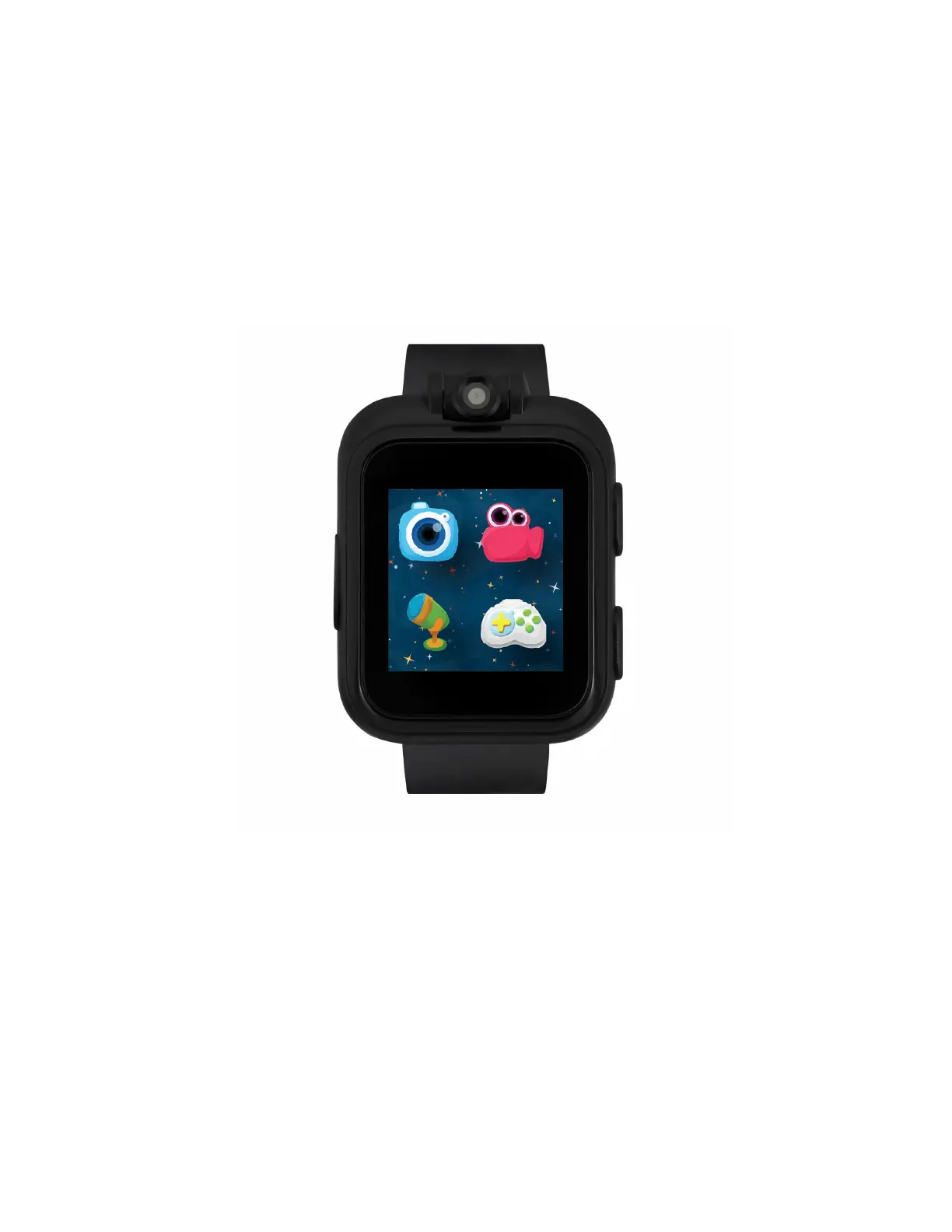
iTouch Playzoom Kids Smartwatch comes with features such as a camera, video, voice recorder,
fun learning & active games, photo effects, sound animations, stopwatch, alarm, timer, calendar and
so much more! Connect it to your computer to download pictures and videos. The iTouch Playzoom
does not connect to a cellular device and is kid safe!
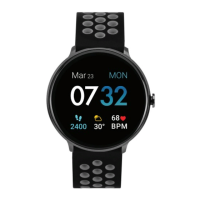
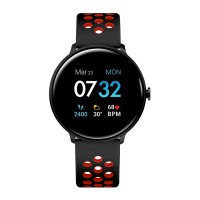
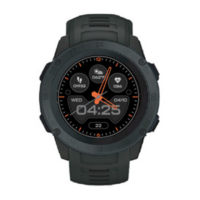
WATCH BUILD & BUTTONS
(Label the watch when designing manual)
Call out the following:
Wristband
Micro-USB Charging Port
Power/Home Button
Swivel Camera
Snap/Record Button
Power/Home Button (Show Button)
Press and hold the power/home button to turn on and off your iTouch Playzoom Smartwatch







 To Next Page