15
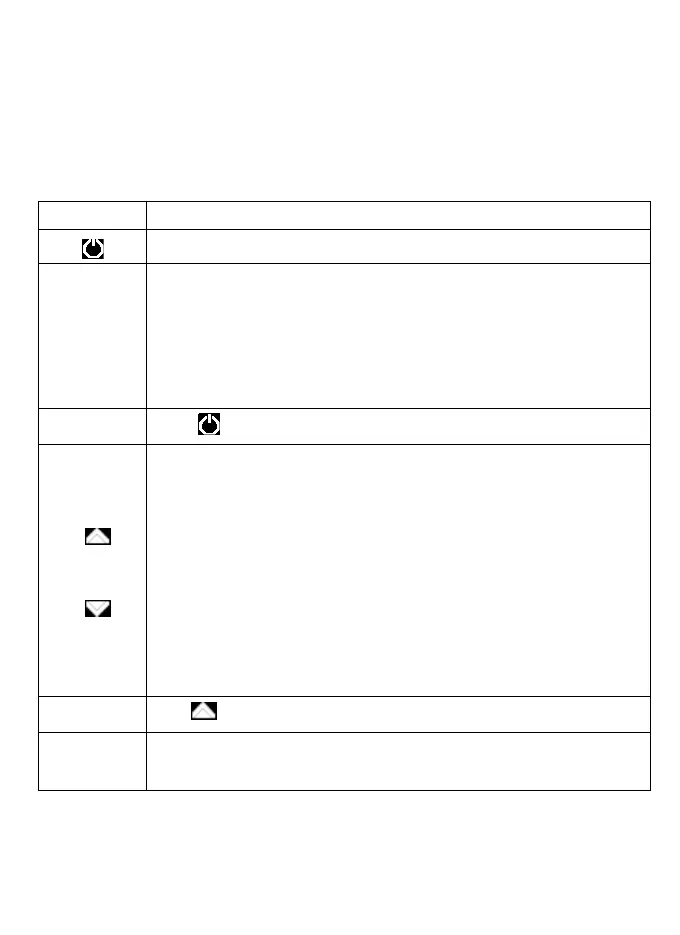
Press and hold to turn the device on or off.
OK
Press to start recording.
The OK button also acts as an OK button to confirm your selection in setting
mode.
Hot Keys during recording mode:
·
Press and hold to turn on/off the screen during recording
Press
to
enter
and
exit
Setting
mode
UP
/
DOWN
Press
to
navigate
to
the
preferred
functions
required during Setting.
Hot Keys during recording mode:
• UP –Act as an Emergency button. Press to manually lock the file
during recording.
• UP –Press and hold to Zoom in
• UP –Press and hold to change mode of lamp setting manually @
photo mode
• DOWN – Press to mute/ unmute the microphone during recording.
• DOWN – Press and hold to Zoom out.
•
DOWN – Press and hold t
o turn on/off the screen during photo
mode
MODE
Press
to
toggle
between
Recording/Photo/Playback
mode
RESET
Press
and
hold
for
more
than
3
seconds
to
reset
the
device
if
it
has
fatal
errors
or
hang-ups,
or
freezes.
Getting
Started
Understanding
your
X3 HD
Digital
Roadcorder
TM
and Buttons
Buttons



 To Next Page