running, the battery begins to discharge and supply the load through
inverter. When the UPS operates in Battery mode, the battery
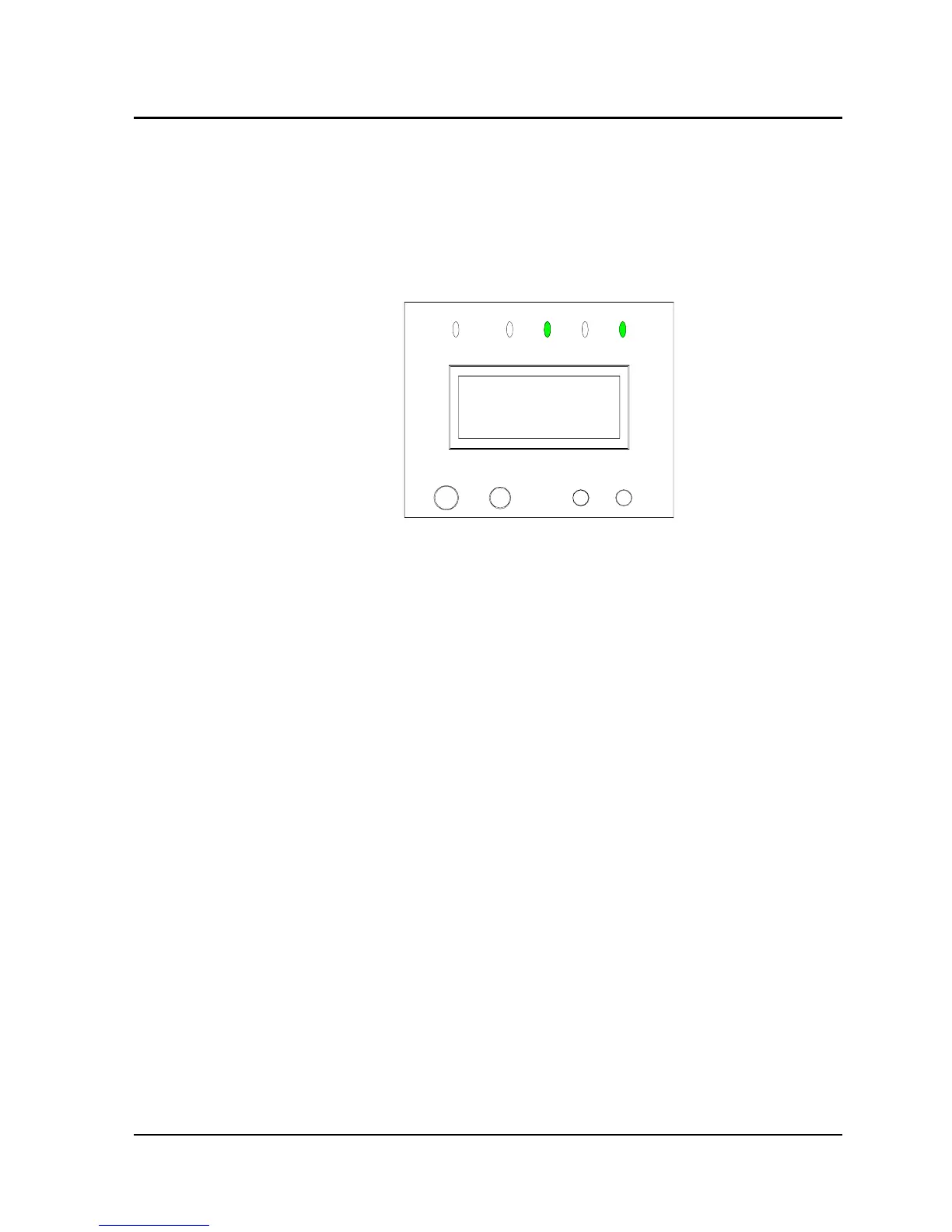
indicator and inverter indicator on the LCD panel shine green, as
shown in Fig. 3-3, accompanied with a beep every 3 seconds, giving
alarm that the UPS is operating in Battery mode.
220.0V
OUTPUT VOLT
Fig. 3-3
In Battery mode, when the battery voltage is low, there is a beep
every 1 second, and the LCD screen reads “BATTERY LOW TO BE
SHUTDOWN”, giving alarm for timely processing.
Note: Although the battery had been fully charged at factory before
despatch, the transport and storage resulted in loss of electricity
quantity, hence charging the battery for 8 hours is required before
using the UPS for the first time, so as to ensure adequate battery
backup time.
3.1.4 Fault Mode
In the event of inverter fault, internal overtemperature or other faults
in Normal mode, the UPS transfers to Bypass mode; in the same
cases in Battery mode, the UPS shuts down.
In the event of UPS fault, the fault indicator on the LCD panel shines
red, as shown in Fig. 3-4. Meanwhile, the buzzer beeps (except
Chapter 3 Operation 25
E1-20010916-C-1.0



 To Next Page