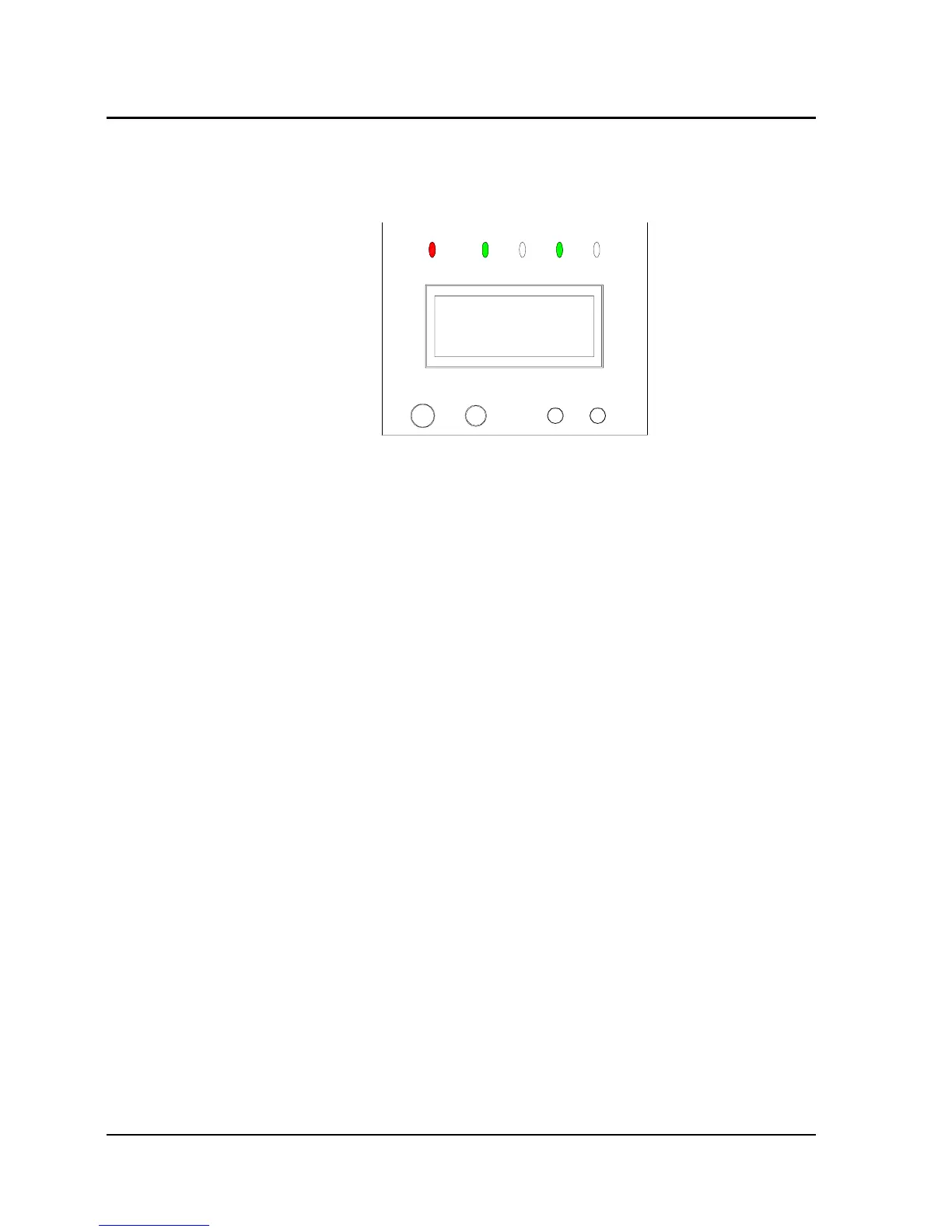
battery and charger fault), and the LCD screen displays
corresponding fault information.
215.0V
OUTPUT VOLT
Fig. 3-4
3.2 Operation
3.2.1 System Power-on
After checking and making sure that the input and output cables are
connected correctly, turn on the mains switch and the bypass switch
(for long backup time UPS, turn on the battery switch before closing
the mains switch). Then the system starts up, the internal fan begins
to run, and the system begins to conduct self-test. After system
self-test (the buzzer beeping twice means normal startup), the
system enters in Bypass mode, the mains indicator and bypass
indicator shine green, as shown in Fig. 3-5:
26 Chapter 3 Operation
E1-20010916-C-1.0



 To Next Page