Notice
In the event of overload during the loading process after starting
Battery mode, immediately disconnect some loads till the overload
alarm stops, otherwise, the system will stop output after a delay
time.
3.2.4 Manual Battery Test
When in Normal mode, provided that the mains voltage is normal,
no overload exists, and the battery voltage is no lower than 240V,
battery test can be conducted by pressing button on the LCD panel
(for battery test through background monitoring software, see the
documents delivered with the software): press and hold the
ON/SILENCE button for 4 seconds (a beep is heard 3 times) and
then relieve it. 3 seconds later, the battery test begins, the battery
indicator shines, and the buzzer beeps as in Battery mode. After
battery test, the buzzer stops beeping, the battery indicator goes off,
and the displays of the panel indicators restore to the state prior to
test. When battery fault is detected (no battery, faulty battery, or
battery reverse connection) during test, the fault indicator shines,
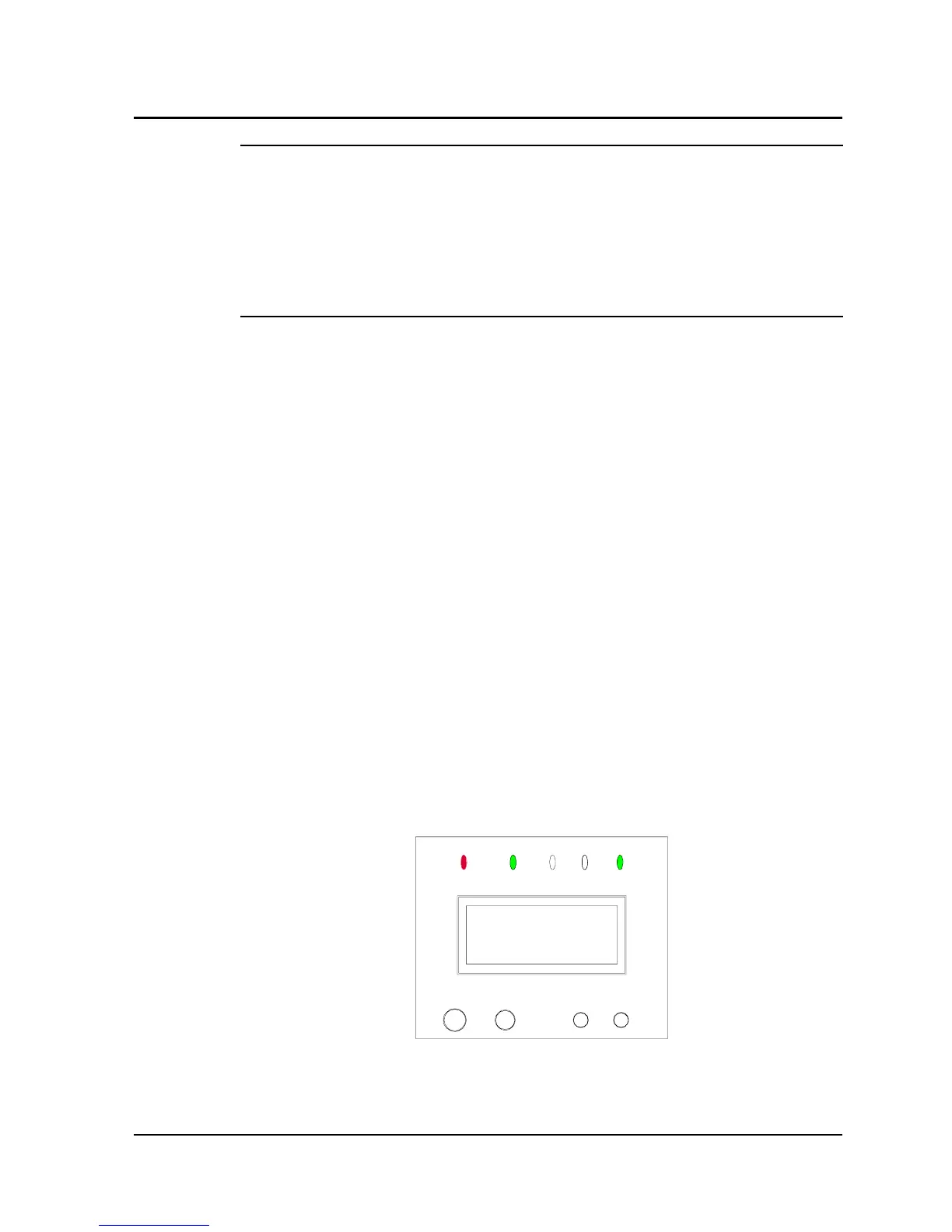
and the LCD screen displays “BATTERY FAIL”, as shown in Fig.
3-10.
BATTERY FAIL
Fig. 3-10
Chapter 3 Operation 31
E1-20010916-C-1.0



 To Next Page