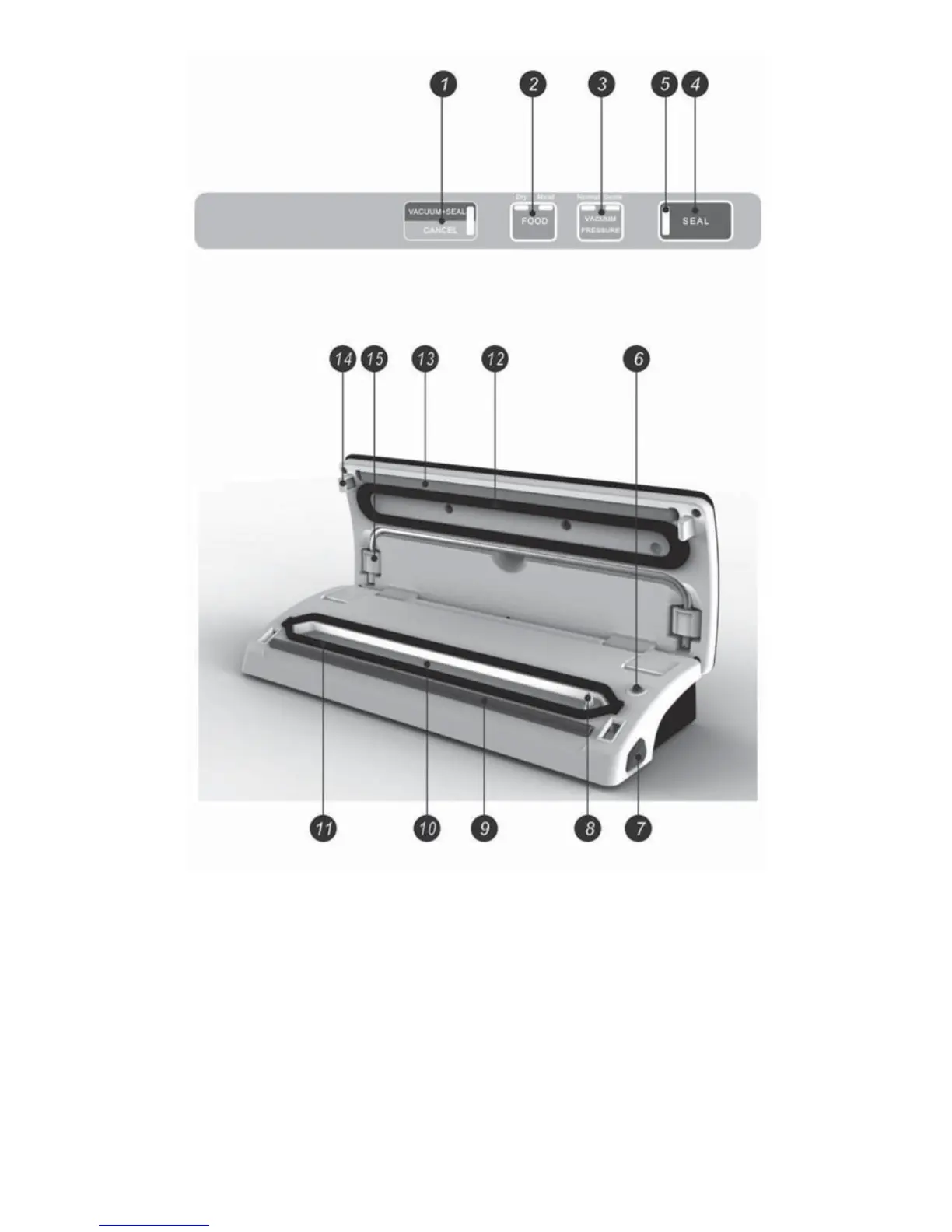
FUNCTIONS
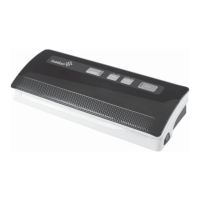
1. Vacuum + Seal / Cancel
This button has two functions:
1. In stand-by mode, it starts the automatic operation of extracting air from the bag
and then sealing the bag.
2. When in the operating mode, it stops the machine (Cancel).
2. Food Settings: Dry and Moist
Choose the DRY setting for foods containing little or no moisture. The bags require a
shorter heat sealing time.
Choose MOIST for liquids or moist foods. The bags will take a little longer to seal.
The default setting is for dry bags and normal sealing time.
4


 To Next Page