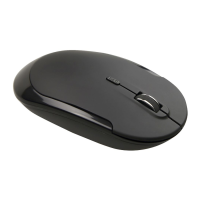
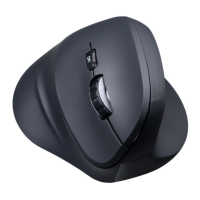
Need help?
Do you have a question about the J.Burrows ELITE MS310 and is the answer not in the manual?
Step-by-step instructions for pairing the mouse via Bluetooth, involving device settings and button presses.
Guide for connecting the mouse through Windows Bluetooth settings, including adding devices and pairing.
Instructions for pairing the mouse with macOS via System Preferences and Bluetooth settings.
How to change the mouse's DPI setting using the dedicated button, with available values.
Instructions for using hyper scroll and left/right scroll functions for quick navigation in files and websites.
Explains how the mouse enters sleep mode after inactivity and how to wake it up.
Details on charging time, indicator lights, working hours, and low power notification.
 General
| Brand | J.Burrows |
|---|---|
| Model | ELITE MS310 |
| Category | Mouse |
| Connectivity | Wired |
| Interface | USB |
| Buttons | 3 |
| Scroll Wheel | Yes |
| DPI | 1000 |
| Color | Black |
| Cable Length | 1.5 meters |
| Compatibility | Windows, macOS |

 To Next Page