EasyManua.ls Logo

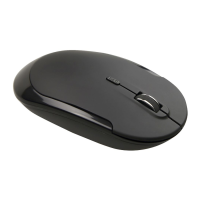
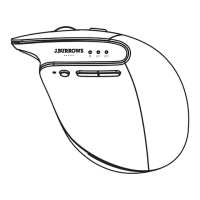
J.Burrows JBBTMSLIM - User Manual

J.Burrows JBBTMSLIM
3 pages
Print Icon
To Next Page IconTo Next Page
Loading...
1/3
Windows is a trademark of the Microsoft Corporation in the United States and other
countries.
Mac and macOS are trademarks of Apple Inc., registered in the U.S. and other
countries.
The Bluetooth word mark and logos are registered trademarks owned by
WIRELESS MOUSE
JBBTMSLIM
INSTRUCTION MANUAL
Bluetooth SIG, Inc. and any use of such marks by Officeworks Ltd is under license.
R
Compatible with:
Windows 8 or later
Mac OS 10.0 or later
R
Question and Answer IconNeed help?

Do you have a question about the J.Burrows JBBTMSLIM and is the answer not in the manual?

Summary

Product Specifications

Installation Guide

Prepare and Activate Mouse

Instructions for inserting batteries, turning on the mouse, and enabling Bluetooth.

Pairing the Wireless Mouse

Steps to put the mouse in pairing mode and connect it to your Bluetooth-enabled device.

Product Warranty

J.Burrows JBBTMSLIM Specifications

General IconGeneral
ColourBlack
BrandJ.Burrows
Movement Detection TechnologyOptical
Number of Buttons3
InterfaceUSB

Related product manuals