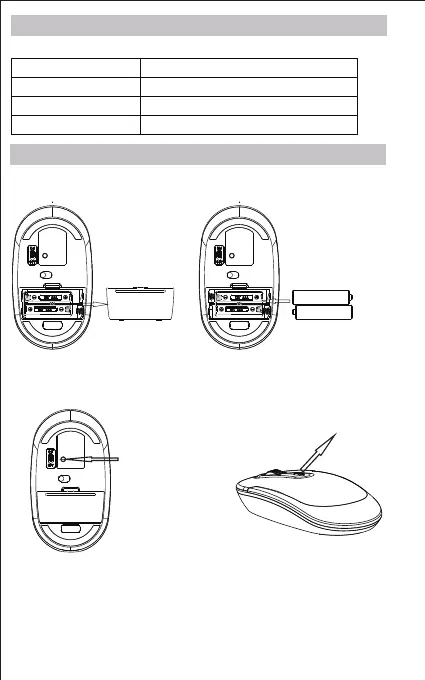
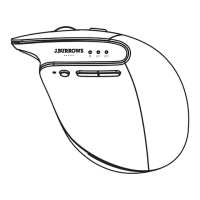
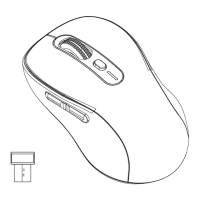
Connect button
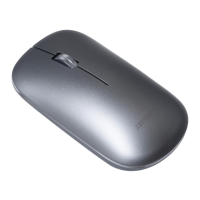
High precision wireless mouse.
1. Open the battery cover and insert x2 AAA batteries.
2. Turn Bluetooth settings to “ON”on your PC/ Mac.
3. Turn the mouse on, the blue light on the right of scroll wheel will flash
slowly. Press and hold the “Connect”button until the blue light
flashes quickly. The mouse is now in pairing mode.
4.Pair with your Bluetooth device. Your device will display “JBBTMSLIM”
select pair, your device will connect to the mouse.
Model JBBTMSLIM
Dimensions 107x60x26mm
Resolution 800/1200/1600DPI switching
2/3
1.5V AAA
DPI Switch
Note: When the mouse enters to sleep state, you can press any key
to active it.
Product Specifications
Installation Guide
Bluetooth Version
5.0
1.5V AAA


 To Next Page