EasyManua.ls Logo

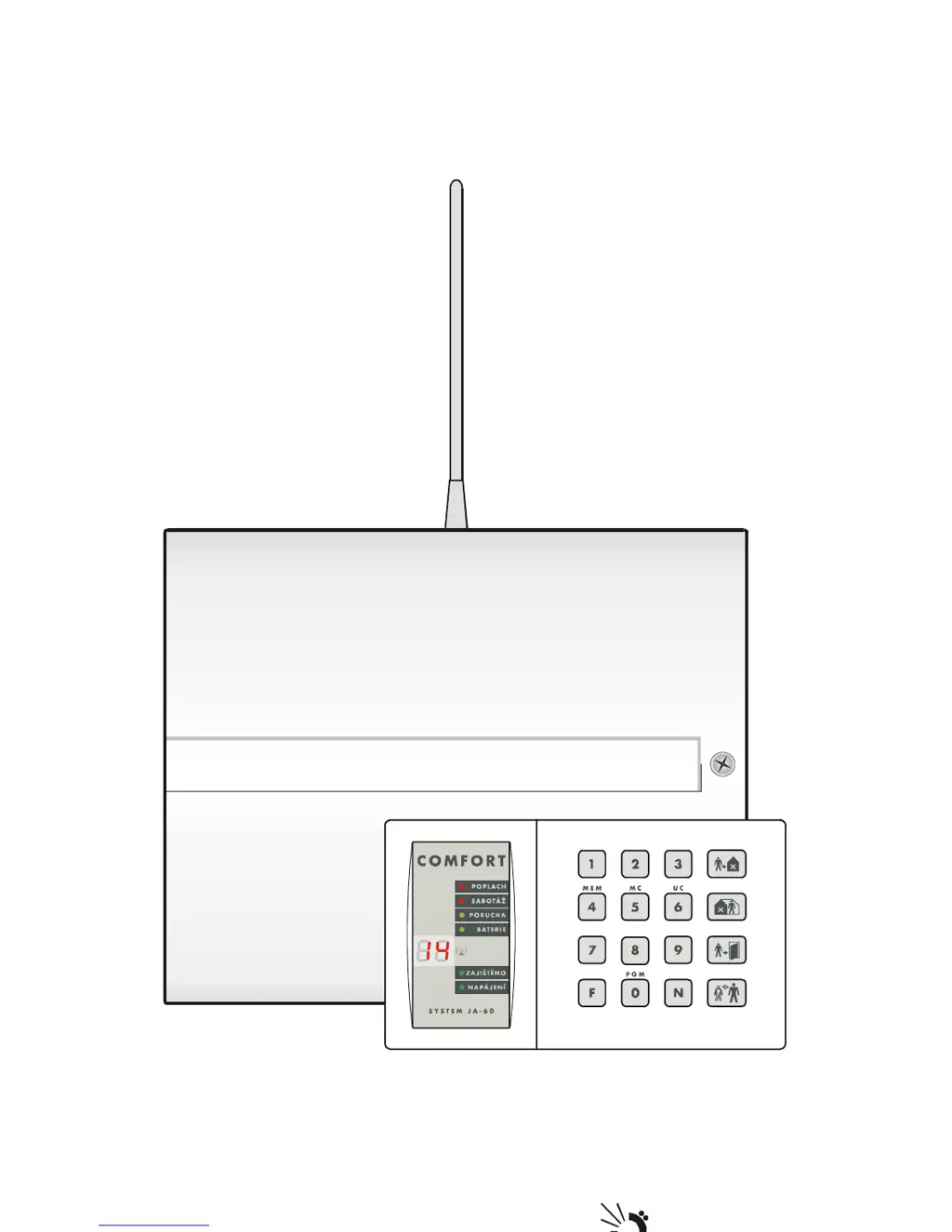
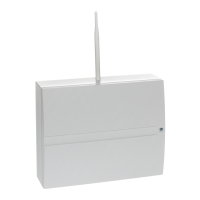
jablotron JA-63 „PROFI“ - User Manual

jablotron JA-63 „PROFI“
16 pages
Print Icon
To Next Page IconTo Next Page
Loading...
JA-63 “Profi“ User manual
Internet: www.jablotron.cz
Tel.: +420 483 559 999
fax: +420 483 559 993
Pod Skalkou 33
466 01 Jablonec nad Nisou
Czech Republic

Other manuals for jablotron JA-63 „PROFI“

Questions and Answers

  • D
    Daniel VasquezSep 8, 2025
    How to fix Jablotron Security System when impossible to enroll a wireless item?
    • M
      Matthew JonesSep 8, 2025
      If you find it impossible to enroll a wireless item in your Jablotron Security System, it might be due to an unsuitable location where the radio signal level is too low. This could be because the item is too far away or there's an obstacle blocking communication. Try changing the item's location. Temporarily secure it in the new spot first to test if it works.
  • J
    jeremy02Sep 10, 2025
    Why my Jablotron Security System does not communicate with connected PC?
    • M
      Meghan WilliamsSep 10, 2025
      If your Jablotron Security System does not communicate with the connected PC, the PC-60A cable might not be connected to the correct COM connector on the PC. Check the connection or manually select the port number in the software.
  • M
    Mr. Tyler HollandSep 12, 2025
    What to do if connected JA-60E keypad of Jablotron Security System has no function?
    • J
      Justin GomezSep 12, 2025
      If the connected JA-60E keypad of your Jablotron Security System has no function, it might be due to the connecting cable not properly linking the corresponding positions in the keypad and control panel (1-1, 2-2, 3-3, 4-4). Check the colors of the cores in the cable and the positions on each side to ensure they match.
  • J
    Julie JimenezSep 13, 2025
    What to do if Jablotron Security System keypad indicates a fault and is beeping?
    • E
      Edward WatsonSep 14, 2025
      If your Jablotron Security System shows a fault indicated on the keypad and it is beeping, check the reason of the trouble in the user manual and fix it, or call the installer.
  • K
    Kevin LeonSep 15, 2025
    Why Jablotron Security System alarms after first powering?
    • S
      Stanley RivasSep 15, 2025
      If your Jablotron Security System alarms right after the first powering, it means that the control panel is not in factory default setting. Perform a factory default reset to solve this.
  • K
    Kelly ReyesSep 18, 2025
    What does fault or alarm C on my Jablotron Security System mean?
    • R
      Rachael HendersonSep 18, 2025
      If your Jablotron Security System indicates fault or alarm C, it might be due to a blown fuse in the control panel or radio communication jamming. For details, use a PC with Comlink SW.

Summary

Indicators

LED Indicators

Explains the meaning of LED indicators on the keypad.

Display Event Source Codes

Details codes displayed on the keypad indicating event sources.

Display System Mode Codes

Details codes displayed on the keypad indicating system modes.

Controlling the System

User Codes Overview

Explains the use and programming of user codes for system control.

Master and Service Codes

Explains the roles of master and service codes for access and programming.

System Arming

Details how to arm the system using keypad or remote control.

System Disarming

Explains the procedure for disarming the system via keypad or remote.

Panic Alarm Function

Describes how to trigger the panic alarm for emergency assistance.

Stopping an Active Alarm

Explains how to stop an active alarm and its consequences.

Home Arming (Partial Arming)

Details the procedure for home arming (partial system arming).

Door Opening Control

Explains how to control an electrical door lock via the alarm system.

Alarm Memory Access

Describes how to access and view recorded alarm events.

Voice Message Listening

Explains how to listen to programmed voice messages.

Split System Arming

Describes how the system can be split into sections for independent arming.

Subsystem Enrollment

Explains how sub control panels can be enrolled to the main system.

Appliance Control

Details how to control electrical appliances via the system.

User Settings and Configuration

Setting a New Master Code

Guides on changing the master code for system supervisor.

Managing User Codes

Explains how to set, change, or delete user codes.

Setting Internal Clock

Details how to set the system's internal clock and date.

Automatic Arming;Disarming Schedules

Explains how to program automatic arming and disarming schedules.

Zone Bypassing

Describes how to bypass specific zones from triggering alarms.

Telephone Communicator Programming

Testing the Telephone Communicator

Explains how to test the telephone communicator functionality.

Voice Message Telephone Numbers

Details how to program telephone numbers for voice messages.

Automatic SMS Alert Configuration

Explains how to configure automatic SMS alerts for events.

System Maintenance and Testing

System Testing Procedures

Outlines monthly procedures for testing the alarm system.

Battery Replacement Guide

Guides on how to replace batteries in system components.

Module Enrollment (UC-2 xx)

Explains how to enroll the control panel to wireless modules.

jablotron JA-63 „PROFI“ Specifications

Power IconPower
power230 VAC
max current0.1 A
backup battery voltage12 V
backup battery capacity1.3 or 2.6 Ah
backup power output voltage13 VDC
max permanent current0.4 or 1 A
self-consumption of the control panel30 mA
Operating Environment IconOperating Environment
environmental classII indoor – general (-10 to 40 °C)
complianceEN 50131-1, EN 50131-6 security grade 2
safetyEN 60950, class II

Related product manuals