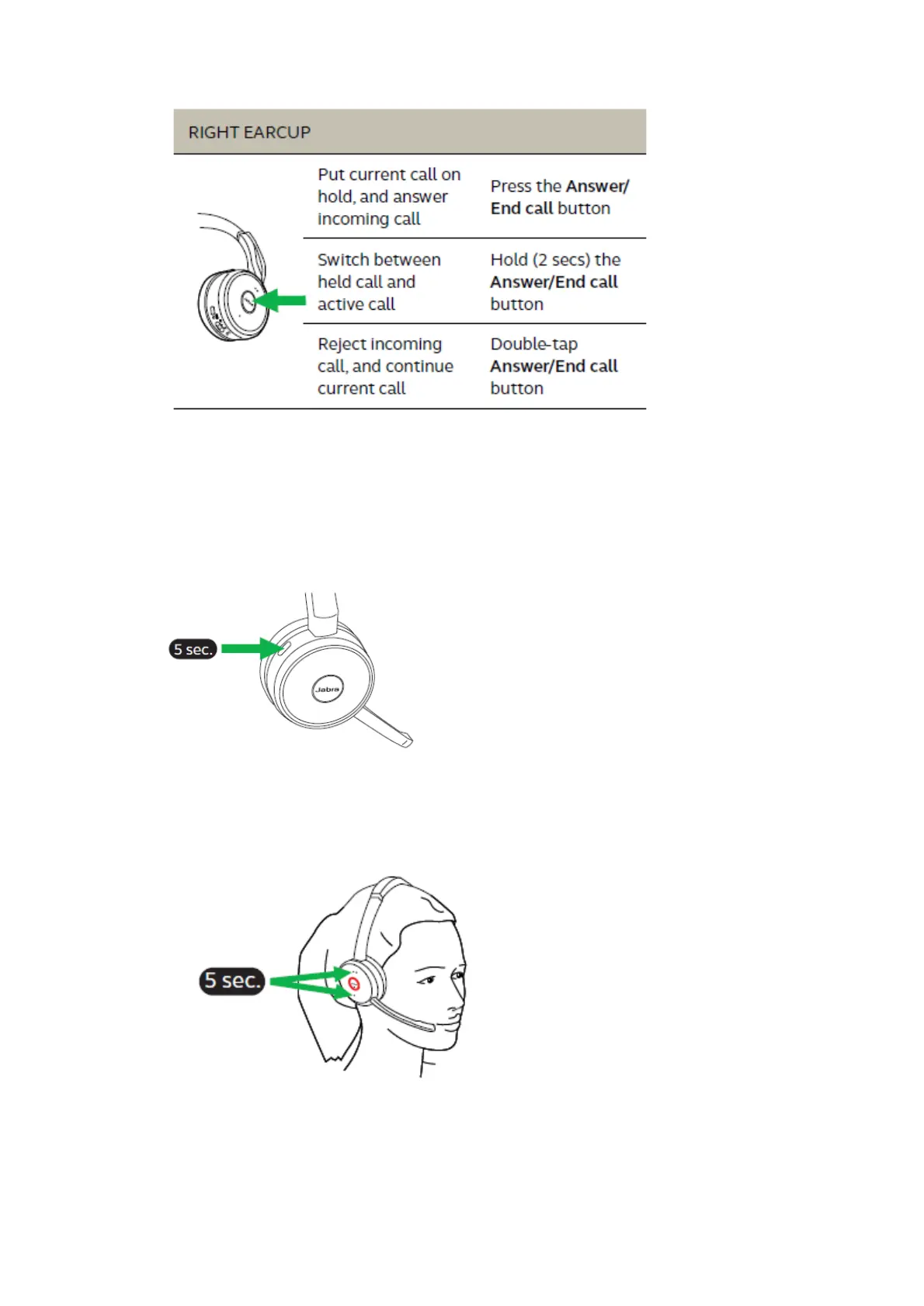
4.3 Voice guidance
Voice guidance is a set of voice announcements from a headset that help a user operate the
headset.
The voice guidance can be switched on/off by holding the Mute button for 5 seconds, or by using
Jabra Direct software on your PC.
4.4 Busylights
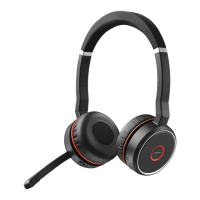
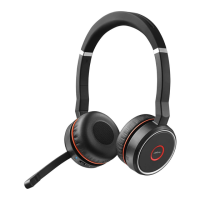
The Busylights on the headset automatically light up red when you are on a call to indicate to
colleagues that you are busy. To manually switch the Busylights on/off, press the Volume up and
Volume down buttons simultaneously.
To de-activate the Busylight function entirely, hold the Volume up and Volume down buttons
simultaneously for 5 seconds. De-activating the Busylight function will prevent the use of the



 To Next Page