EasyManua.ls Logo

Jabra Evolve2 65 - Call and Music Control

Jabra Evolve2 65
31 pages
Print Icon
To Next Page IconTo Next Page
To Previous Page IconTo Previous Page
Loading...
19
ENGLISH
7. 2 Calls & music
Right
Calls & music
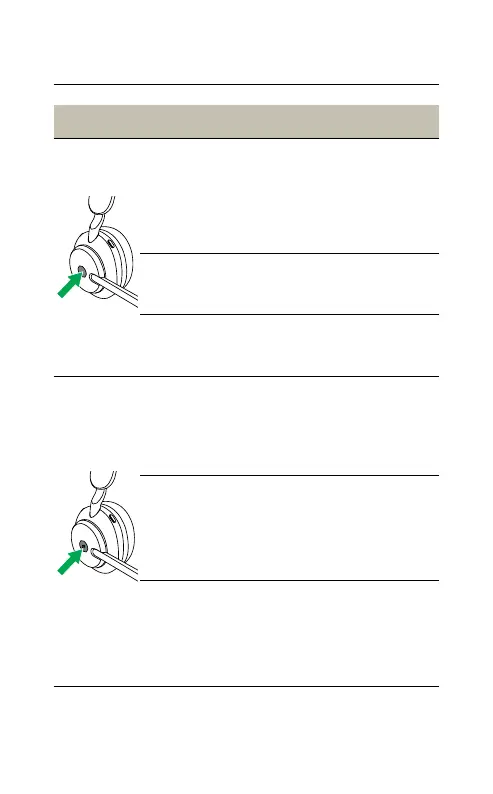
Answer call
Press the Multi-
function button
Alternatively, move the
microphone down to
answer a call
End call
Press the Multi-
function button
Reject call
Double-press the
Multi-function button
Bring Microsoft
Teams to
foreground on
computer
Press the
Microsoft Teams
button* (when signed
into Microsoft Teams)
Join active
Microsoft Teams
meeting
Press the
Microsoft Teams
button* (when signed
into Microsoft Teams)
View Microsoft
Teams missed calls
and voicemails
Press the
Microsoft Teams
button* (when signed
into Microsoft Teams)
*Requires Microsoft Teams headset variant

Other manuals for Jabra Evolve2 65

Related product manuals