EasyManua.ls Logo

Jabra Evolve2 65 - Page 20

Jabra Evolve2 65
31 pages
Print Icon
To Next Page IconTo Next Page
To Previous Page IconTo Previous Page
Loading...
20
ENGLISH
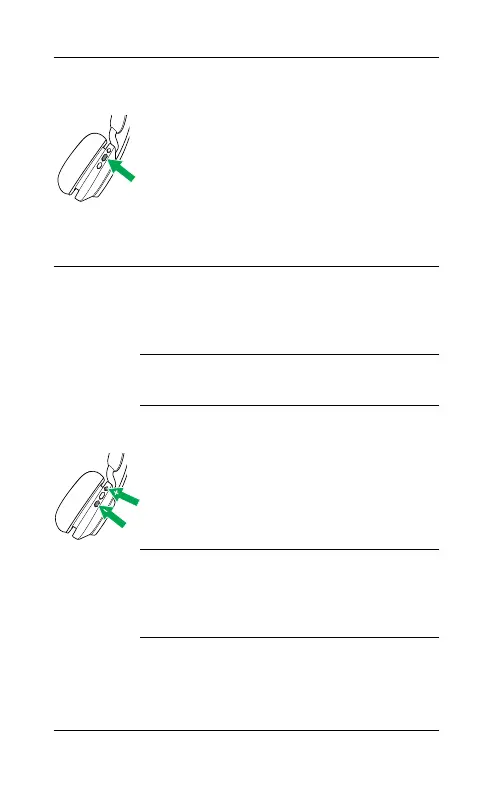
Play/pause music
Press the Play/Pause
button
Alternatively, the
headset will pause
music when it is placed
on a flat surface, and
will resume music
when lifted from a flat
surface.
Adjust volume
Press the Volume up or
Volume down button,
when listening to music
or on a call
Next track
Press and hold (1 sec)
the Volume up button
Restart track or
previous track
Press and hold (1 sec)
the Volume down
button to restart the
current track
Press and hold twice to
play the previous track
Busylight on/o
Press the Volume up
and Volume down
buttons at the same
time
Hear battery
status
Press the Volume up or
Volume down buttons
when not on a call or
listening to music

Other manuals for Jabra Evolve2 65

Related product manuals