28
ENGLISH
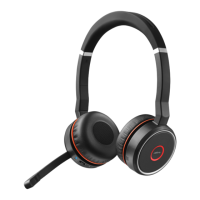
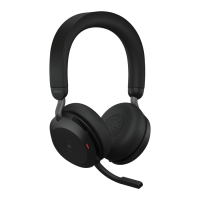
7.9 Mute/unmute using the
microphone boom arm
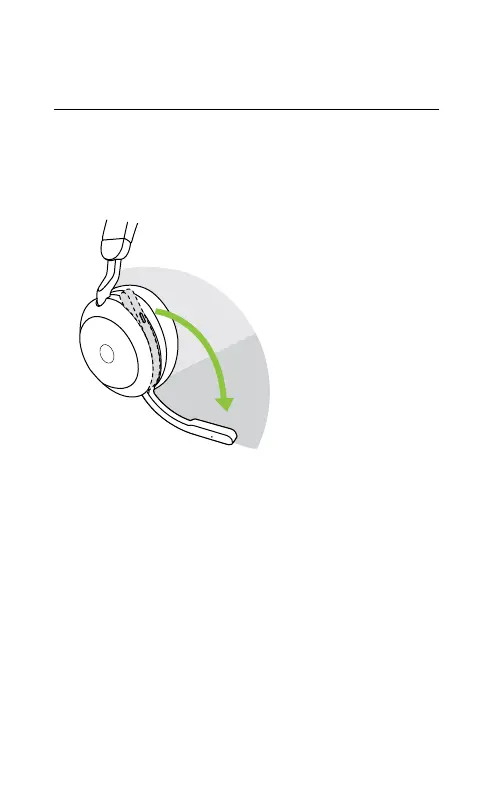
The headset microphone can be muted by
moving the microphone boom arm up, or
unmuted by moving it down.
Mute
microphone zone
Unmute
microphone zone
This feature is on by default, and can be
disabled using Jabra Sound+ on your
smartphone or Jabra Direct on your computer.









 To Next Page