47
ENGLISH
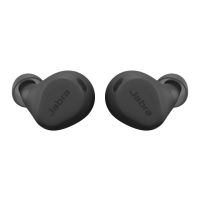
9.4 Using replacement earbuds
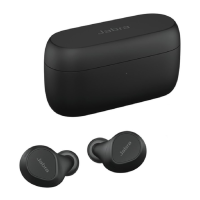
1. Place the replacement earbuds into the
charging case and close the lid.
2. Open the charging case lid and remove the
earbuds.
3. Wear the earbuds and follow the voice
instructions to pair with your mobile device.
4. Update the earbud firmware in Jabra Sound+.
9.5 Using a replacement charging case
Before using a replacement charging case for
the first time, it will need to be synced with
your current earbuds and charged for 1 hour.
To begin syncing, place your current earbuds
inside the replacement charging case and close
the lid for 10 seconds. If the LED on the charging
case flashes pink this indicates that the firmware
is being updated. Please wait until the LED stops
flashing pink before opening the charging case.







 To Next Page