different EHS types.
5. To confirm the EHS has successfully installed, the phone automatically
switches back to charge mode after approx. 10 seconds.
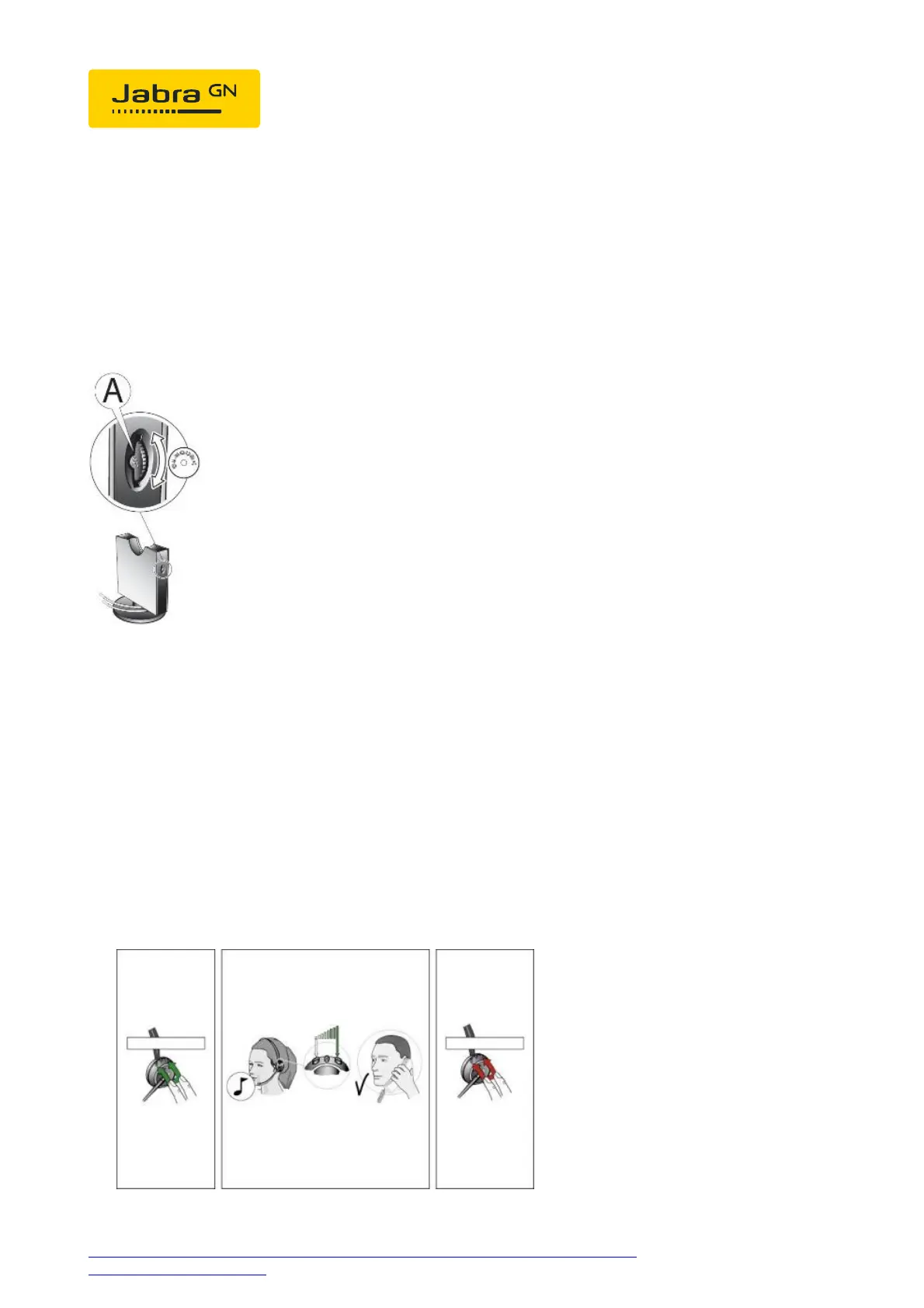
Base setup:
Set the phone set-up switch to "A".
Microphone level setup:
1. Please call someone with the headset.
2. You must now simultaneously press the PLUS and MINUS buttons,
which immediately produces a signal tone. You can now increase the
microphone volume with PLUS or decrease the volume with MINUS.
3. To confirm, after approx. 10 seconds a low signal tone is produced. All




 To Next Page