9
ENGLISH
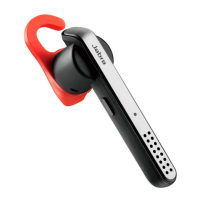
JABRA STEALTH
5. HOW TO CONNECT
5.1 CONNECT TO MOBILE DEVICE
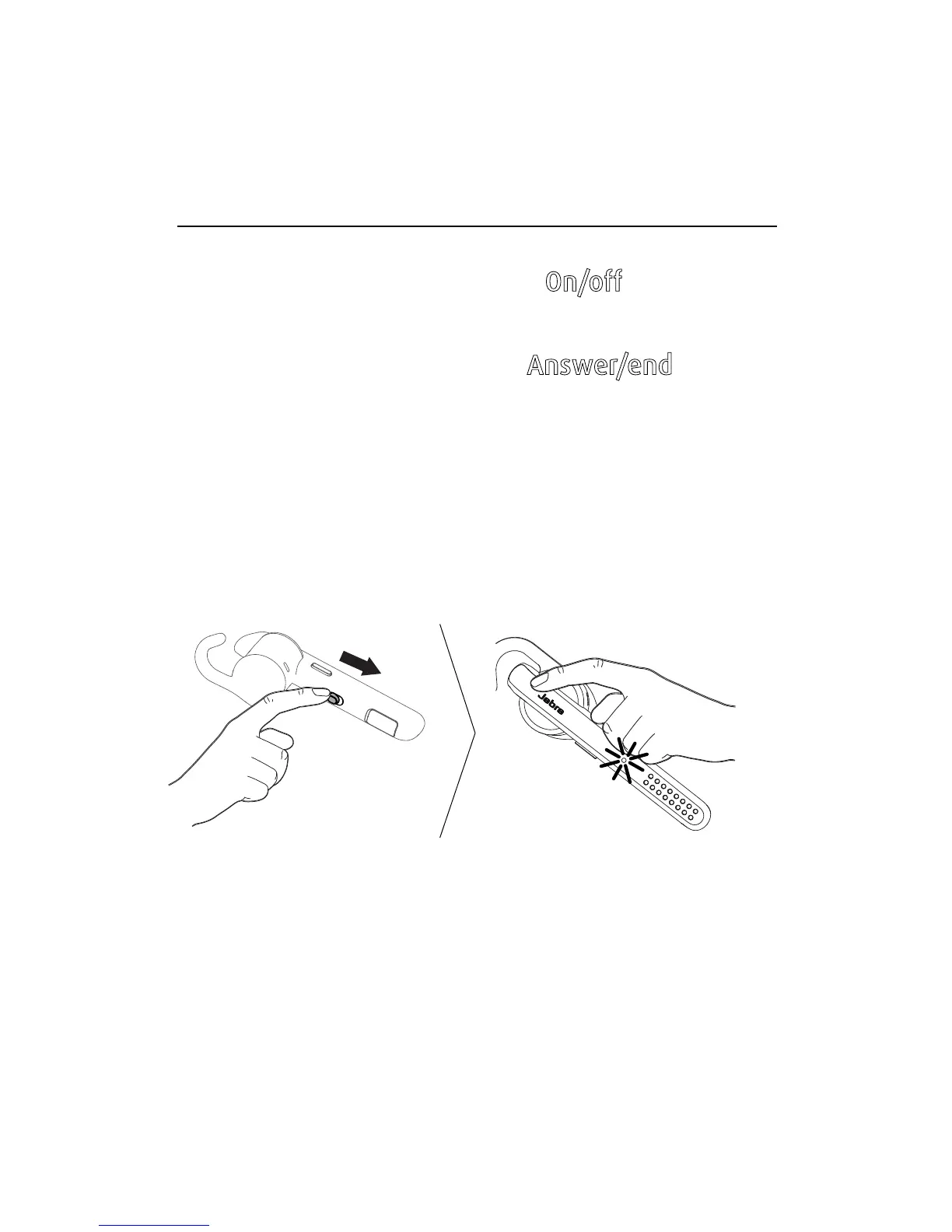
1. Turn the headset on (set the On/off switch to
the On position).
2. Press and hold (3 secs) the
Answer/end button
until the Bluetooth indicator flashes blue, and
pairing mode is announced in the headset.
3. Follow the voice-guided pairing instructions to
pair to your Bluetooth device.








 To Next Page