© 2020 Jackson Labs Technologies, Inc. 5
LTE-Lite User Manual
2.1.2 Supplied Accessories
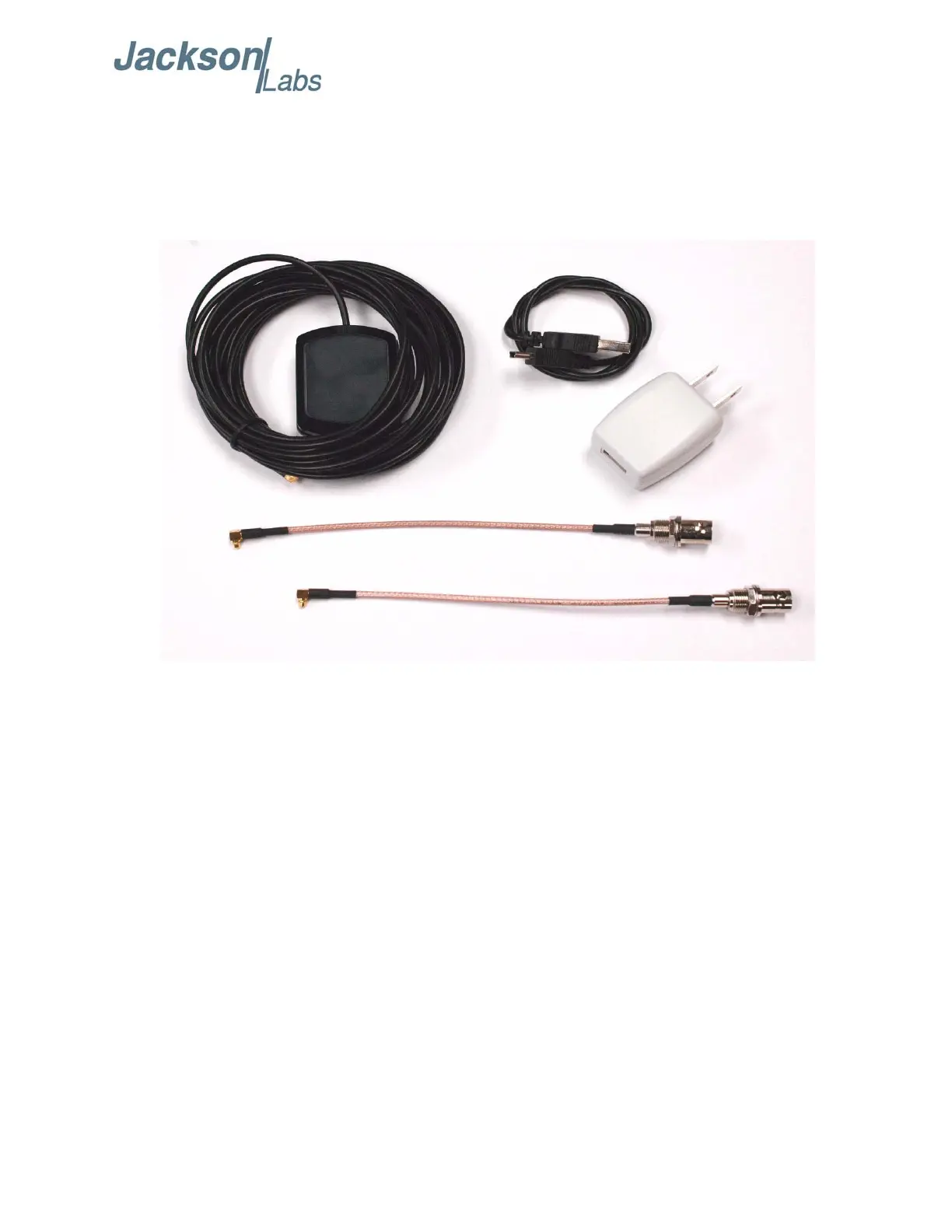
The LTE-Lite Evaluation Kit includes the LTE-Lite Evaluation Board and is supplied with a GPS
antenna with 5m cable, a USB cable, a USB wall-wart power supply, and two MMCX to BNC
adaptor cables and is ready-to-go out of the box.
Figure 2.2 LTE-Lite Evaluation Kit example Accessories
2.1.3 USB Serial Port
The LTE-Lite Evaluation Board has an internal RS-232 to USB serial port adaptor. This allows the
unit to be directly connected to a PC’s USB port, from which it will receive power and to which it
will send serial output sentences with no external RS-232 to USB adaptor is required. The term
“RS-232” and USB serial port are used interchangeably, as the RS-232 port is implemented and
connected via the USB serial connection. Windows and Linux have built-in support for this optional
serial port functionality.
2.1.4 Major connections
The LTE-Lite Evaluation Board has a number of connectors, switches, jumpers, headers and LEDs to
select and display status. These are driven by signals from the LTE-Lite GPSDO SMT module.
The major connections and features of the LTE-Lite Evaluation Board are shown in Figure 2.3.



 To Next Page