5
8
9
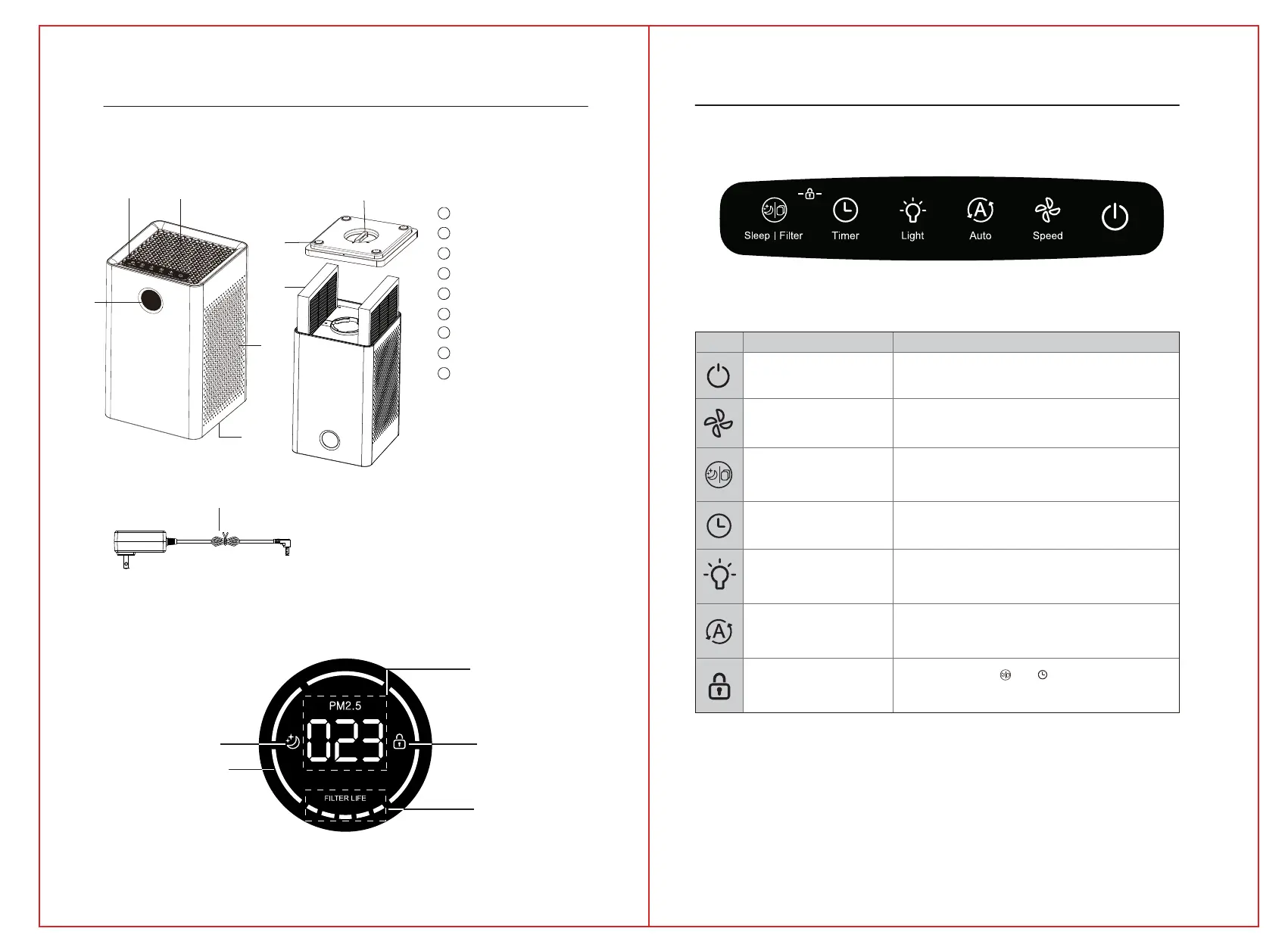
Base knob
Sleep Child lock
Filter life display
PM 2.5 display
Air quality warning light
Foot pad
Composite filter
1
2
Air outlet
3
4
5
Display screen
Touch - control panel
6
Ambient lighting
7
Air inlet
8
9
Power adapter
2
1
4
6
7
3
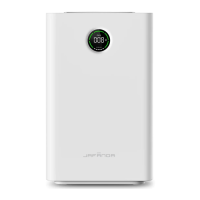
PRODUCT COMPONENT STRUCTURE AND NAME
DISPLAY SCREEN
If the product picture is different from the
real one, the real one shall prevail.
GETTING TO KNOW YOUR AIR PURIFIER
TOUCH PANEL
POWER
SPEED
SLEEP | FILTER
TIMER
LIGHT
AUTO
Child lock
Power the air purifier ON and OFF.
Adjust fan speed (1-5).
Press the SLEEP button to enter the sleep mode when the
purifier is working; If the icon becomes red, replace the
filter screen.
Press this button to realize
automatic switching on/off.
Adjust the ambient light mode.
Press this key to enter automatic mode when working.
Press and hold the “ ”+ “ ” for more
than 3 seconds in the working state to enter the
child lock mode.
The fan speed changes from 1 to 4 according to the
PM2.5 concentration change.
ICON
NAME
DESCRIPTION
3
4


 To Next Page