17
For the best reception, fully extend the antenna and move it to the position that provides the best reception
effect.
Note:
Step 2:
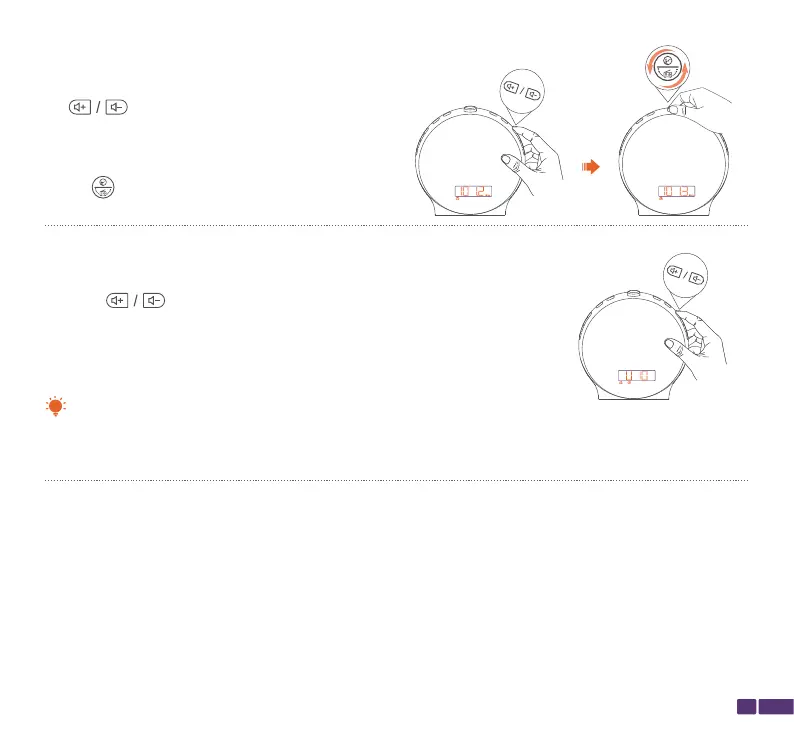
To switch between saved stations, press and hold
the button for 2 seconds, and the radio
will automatically switch to the stations saved
through automatic search, either up or down.
To tune to a specific frequency, rotate the top
button left or right to adjust the frequency in
increments of 0.1 MHz.
Long Press
Step 3:
Press the button to adjust the volume.
There are 16 volume levels to choose from
(U01-U16).
Short Press



 To Next Page