07
If you select 12-hour format, the screen will display "PM" corresponding to the current time,
and the alarm time format will also be displayed in 12-hour format. "PM" accordingly. Setting
the date will automatically display the day of the week.
Note:
Note:
Screen Brightness Adjustment
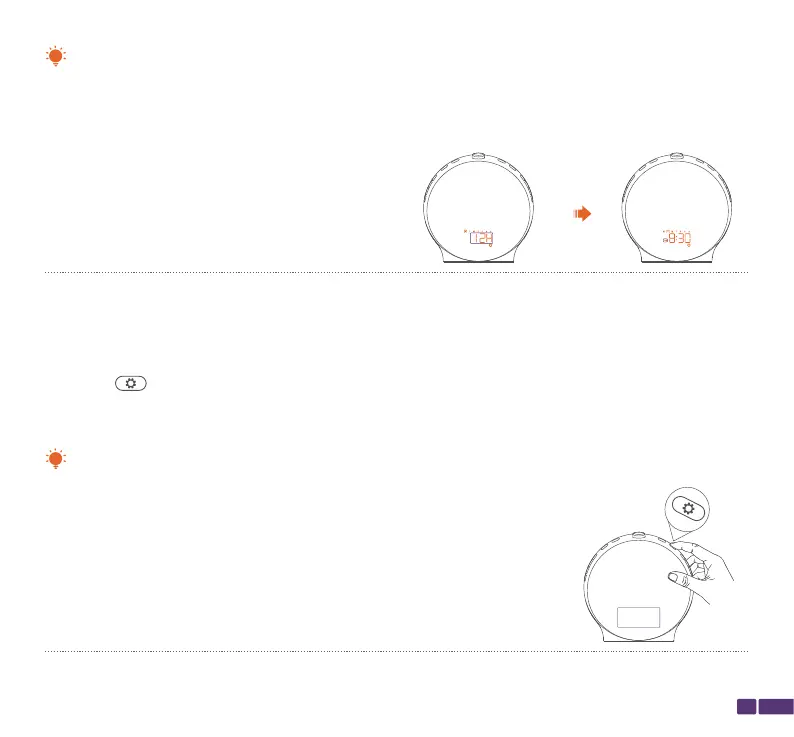
To adjust the screen brightness, please follow the steps below:
Press the button to cycle through the screen brightness options. There are four brightness
levels to choose from: off, night, day, and AUTO.
Off:
The screen display is turned off.



 To Next Page