06
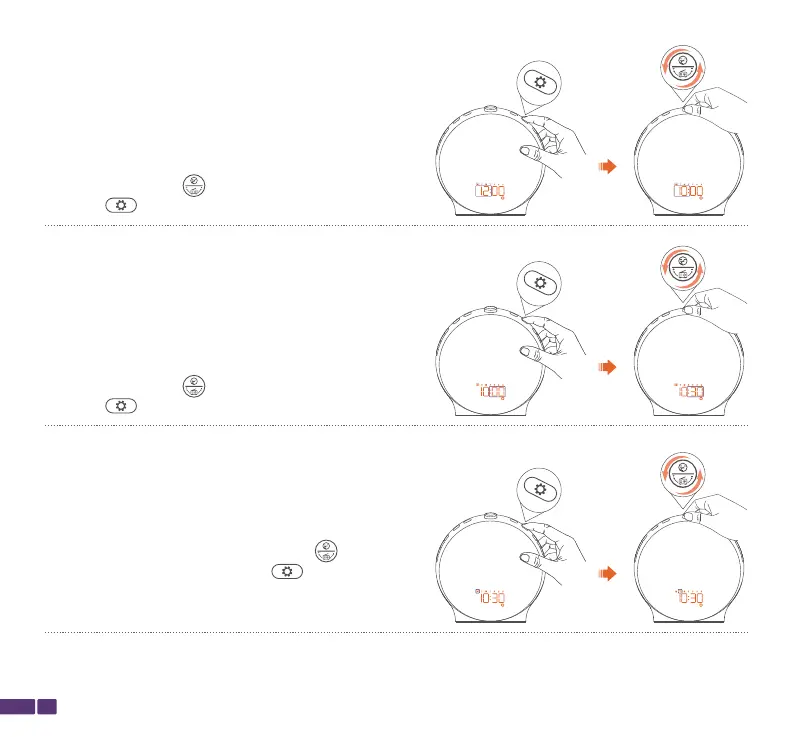
Step 4:
When the screen displays HH:MM and MM is flashing,
rotate the top button to adjust the minutes, then
press the button once to confirm.
Step 5:
When the screen displays MTWTFSS and the day
indicator is flashing, rotate the top button to adjust
the day of the week, then press the button once
to confirm.
The clock is now set and ready for use.
Step 3:
When the screen displays HH:MM and HH is flashing,
rotate the top button to adjust the hours, then
press the button once to confirm.



 To Next Page