3-3
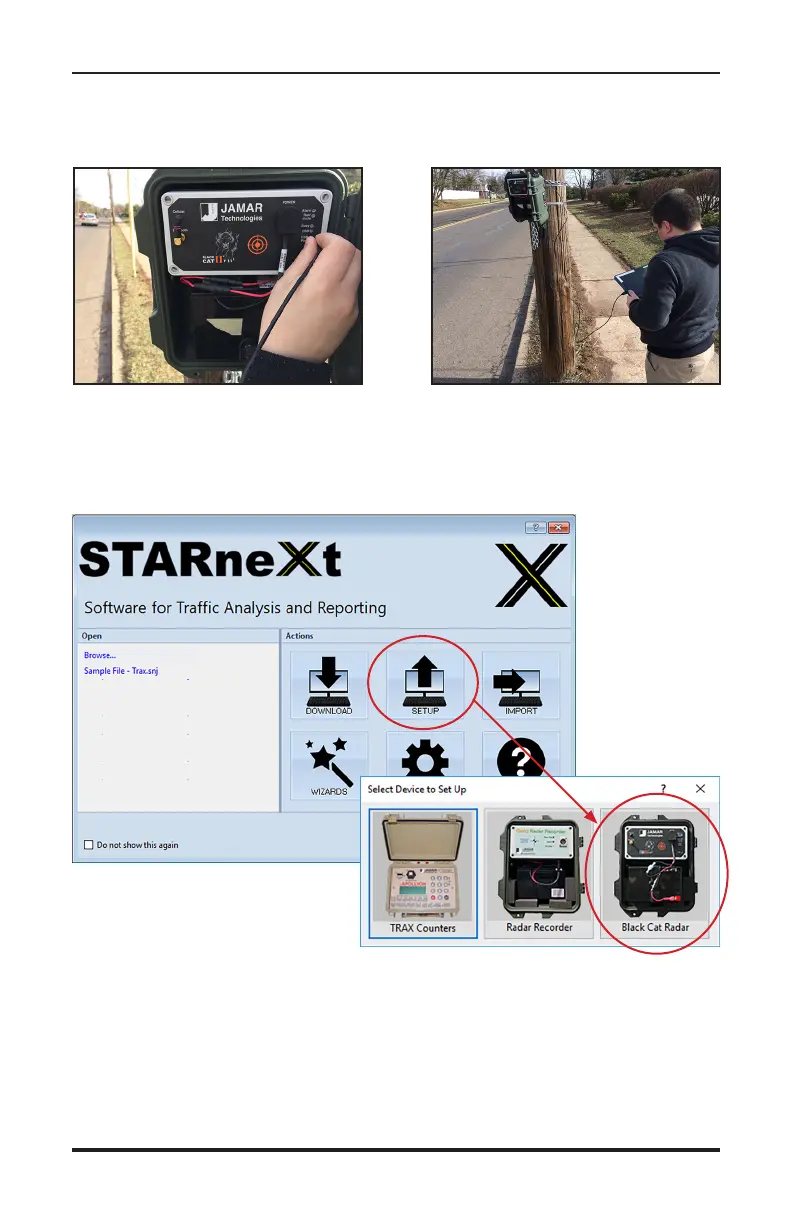
Start the STARnext software on your laptop and select Setup from the Ac-
tions section of the Quick Start screen. You'll then see a screen showing the
different devices for setup. Select Black Cat Radar on the right.
Chapter 3 — Programming the Radar Head
STEP 4 – Plug the other end of the USB cable into the Mini USB port on
the Black Cat II. If the connection is successful the USB LED will light
on the Black Cat II.


 To Next Page