Each unit stores 120 sets measurements for 2 users,totally 240 sets (User 1
and 2).Measurements for each user are stored separately. Be certain that
you are viewing the measurements for the correct user.
5.6. Memory
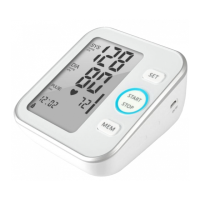
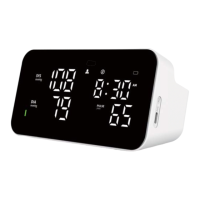
With the unit off, press the Memory button. The monitor will display User ID
and an average value of the last 3 times measurements stored in the unit.( If
measurements are less than 3 sets, directly display the first set )
Each time you press the Memory button, it will display the memory value from
the latest to the oldest in turn.
Each time you press the Users button, it will display the memory value from
the oldest to the latest in turn.
A.View the memory
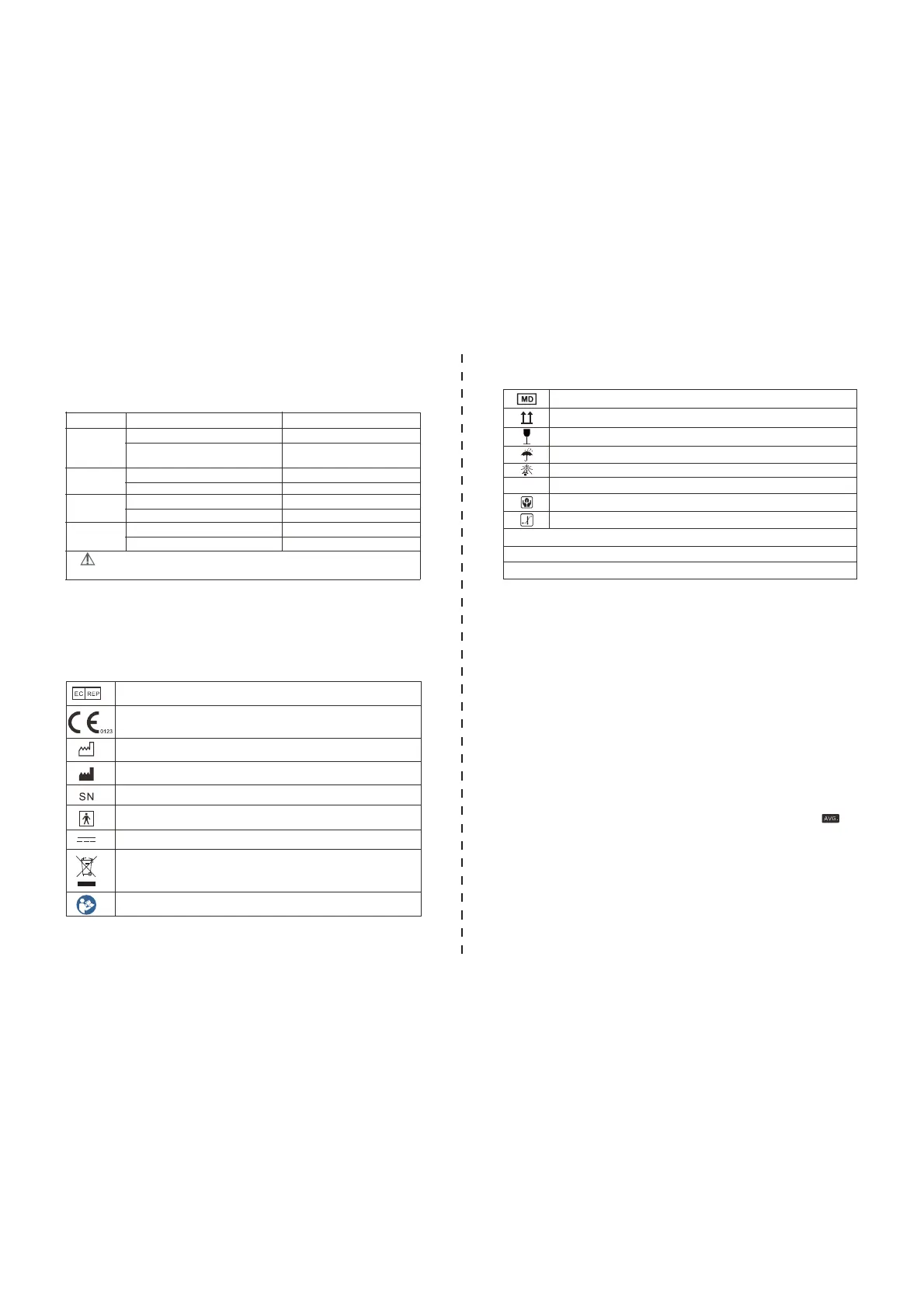
The following symbols may appear in this manual, on the Digital Blood
Pressure Monitor, or on it's accessories. Some of the symbols represent
standards and compliances associated with the Digital Blood Pressure
Monitor and its use.
SYMBOL DESCRIPTIONS
Authorized Representative in the European Community
&(0DUNFRQIRUPVWRHVVHQWLDOUHTXLUHPHQWVRIWKH0HGLFDO
Device Directive 93/42/EEC.
Date of manufacture.
Manufacturer
Specifies serial number
Type BF applied part
Direct current
DISPOSAL: Do not dispose this product as unsorted municipal
waste. Collection of such waste separately for special treatment
is necessary.
Follow instructions for use
B.Delete memory:
In average value memory viewing mode,the average value symbol ( ) is
being displayed, long press the (MEM) button for 3 seconds ,then it will delete
all measurements for the current user.
In single set memory viewing mode,long press the (MEM) button for 3 seconds
,then it will delete only a set measurement being displayed.
Put up
Medical device
Fragile
Afraid of the rain
Fear of the sun
7KHGHJUHHRIDYRLGLQJUHVVRIZDWHURUSDUWLFXODWHPDWWHULQWR0(HTXLSPHQW
IP21
Handle gently
Temperature range
1R6WHULOL]HUHTXLUHPHQW
1RWFDWHJRU\$3$3*HTXLSPHQW
Mode of operation: continuous
Trouble removal
Problem
No power
No inflation
Err and stop
working
Cuff leak
Whether the plug broken or leak
Please contact the distributor if you can’t solve the problem, do not
GLVDVVHPEOHWKHXQLWE\\RXUVHOI
Whether move the arm when inflate Keep the body peaceful
Check if chatting when measured
Whether the cuff wrap too loose Wrap the cuff tightly
Whether the cuff broken Change a new cuff
.HHSTXLWHZKHQPHDVXUH
Change a new cuff
Whether the plug insert Insert into the air socket tightly
Check the battery power Replace new one
Installation for proper placement
of the batteries polarities
Check the polarity position
Check Cause and solutions


 To Next Page