18
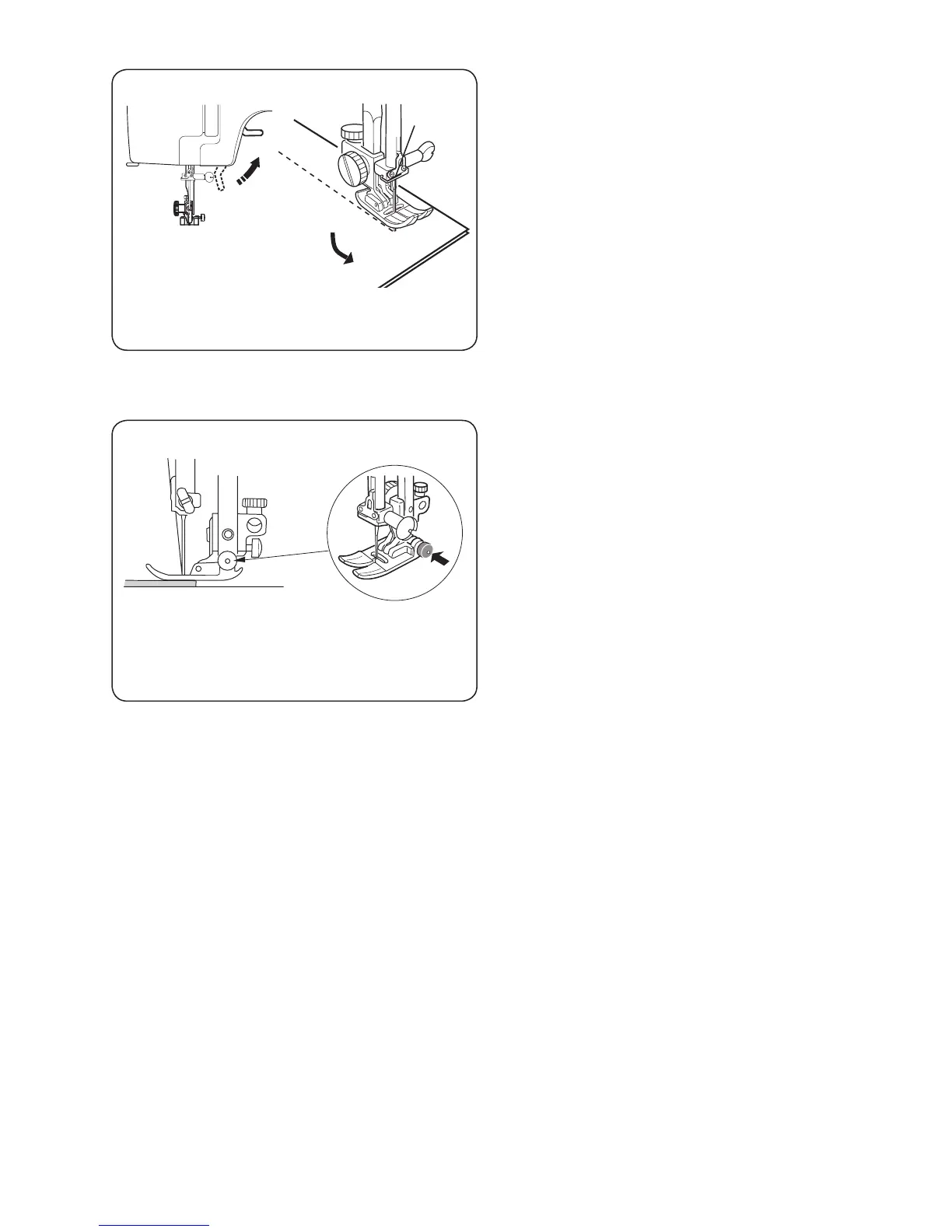
Changing the Sewing Directions
Stop the machine and bring the needle down
into the fabric by turning the handwheel.
Raise the presser foot.
Pivot the fabric around the needle to change
sewing direction as desired.
Lower the presser foot.
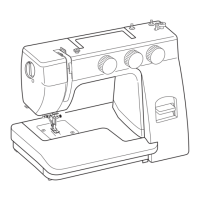
Straight Stitching on Heavy Fabrics
Lower the needle into the fabric at the point
where you wish to start sewing.
Press the small black button on the zigzag foot
with your left hand to “lock” the presser foot to
the fabric.
Lower the presser foot with your right hand,
keeping pressure on the black button with your
left hand.
Release the black button and start sewing.


 To Next Page