CONFIGURATION AND CALIBRATION – Software Calib.
Page 69 of 80
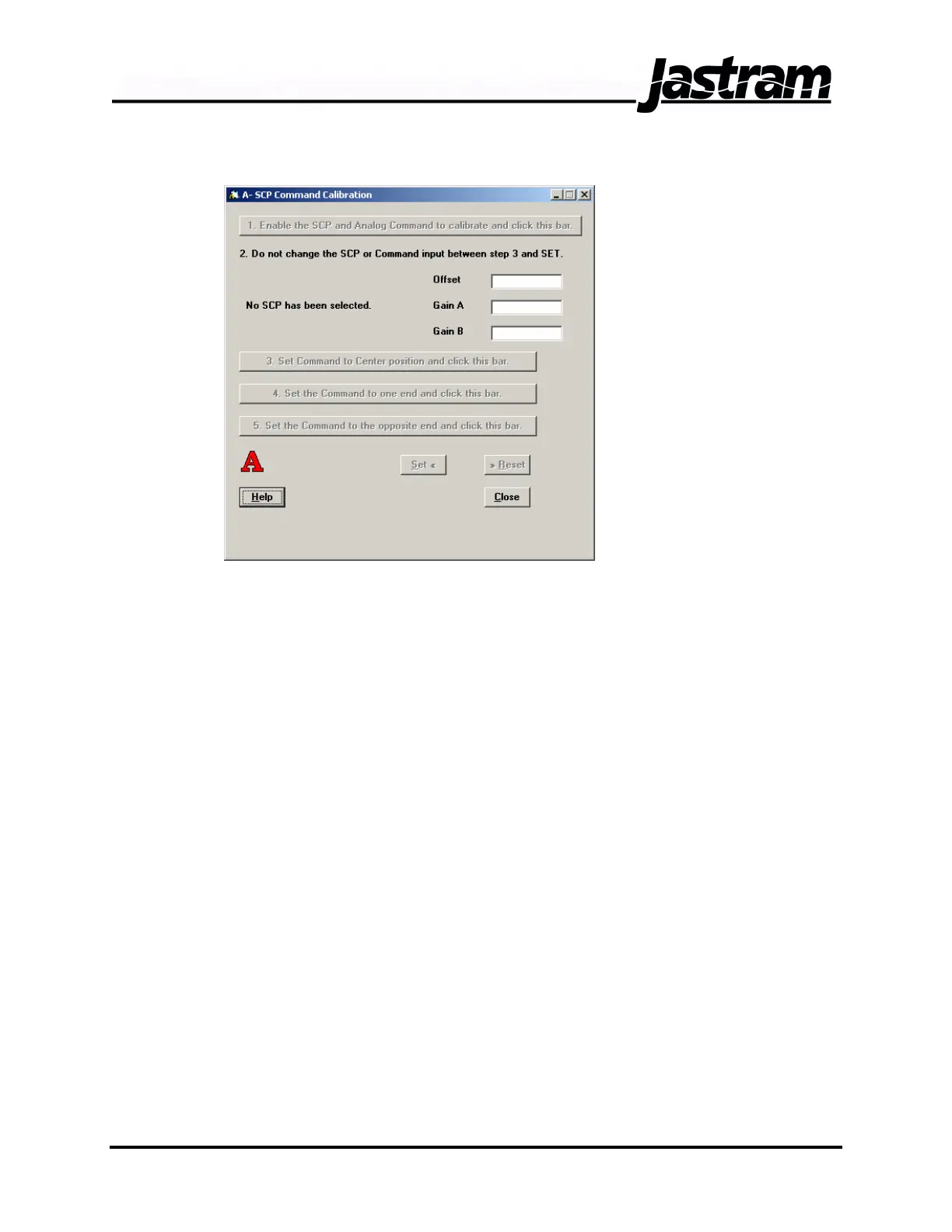
SCP Command Calibration Window
Each SCP will
accommodate up to
two analog FFU
command inputs.
Each analog FFU
command input must
be calibrated through
the use of the SCP
Command Calibration
Window. Once the
window is selected it is
a simple matter of
following the displayed
instructions. First the
input to be calibrated
must be engaged by
selecting the mode
using the mode input
selector. Once the input to be calibrated is selected, click on the first bar.
Then move the input device to its center position and click the second bar.
Once the center position has been set move the input device to hard over
port or starboard and click the next bar, then repeat the process for the
opposite hard over clicking the last bar. After this step is complete new
values for OFFSET, GAIN A and GAIN B will appear in the Data Blocks.
Click the SET button before closing in order to accept the new values and
to enter them to the DSC. Repeat this process for each of the analog FFU
input devices in the system.
Doc No.: MAN01504, 20-02-06 DSC 100 & MCP 100 Manual



 To Next Page