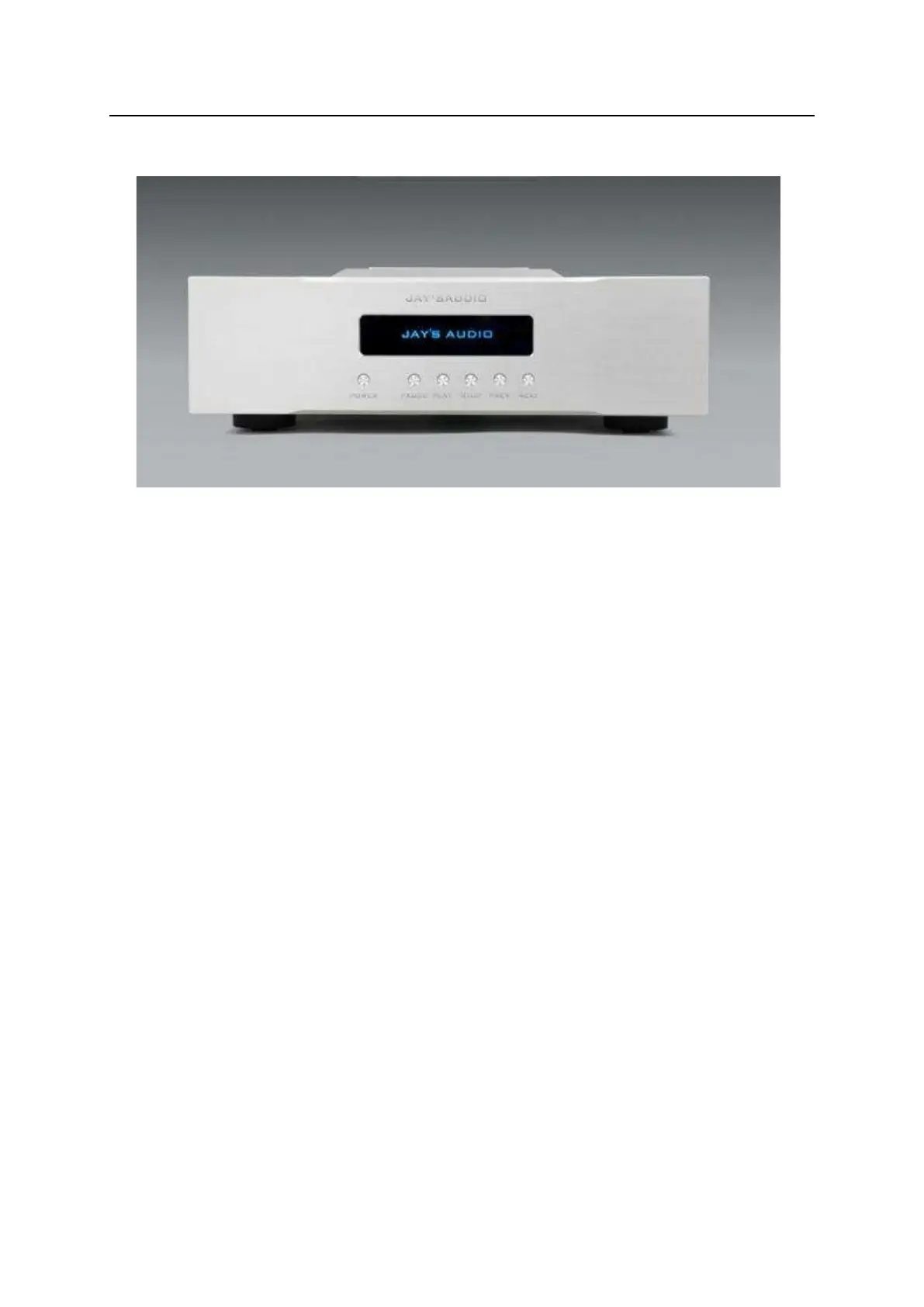
FRONT PANEL
Figure 1. CDT3-MK3 Front Panel
(1) POWER button --- To make the CDT to standby status or to normal operation.
When CDT is standby, a blue LED will be lit on in the centre screen.
(2) PAUSE button --- Pause CD playback.
(3) PLAY button --- Begin CD playback.
(4) STOP button --- Stop CD playback and return to idle status.
(5) PREV. button --- Play previous track.
(6) NEXT button --- Play next track.
(7) CENTRE DISPLAY --- It is a 3.12 inch OLED display module. All playback
information is displayed in this screen. This screen can be dim or turned off by
pressing the display button of the remote control unit.


 To Next Page