10
DETAILED INSTRUCTIONS
BUTTON FUNCTIONALITY
ONOFF
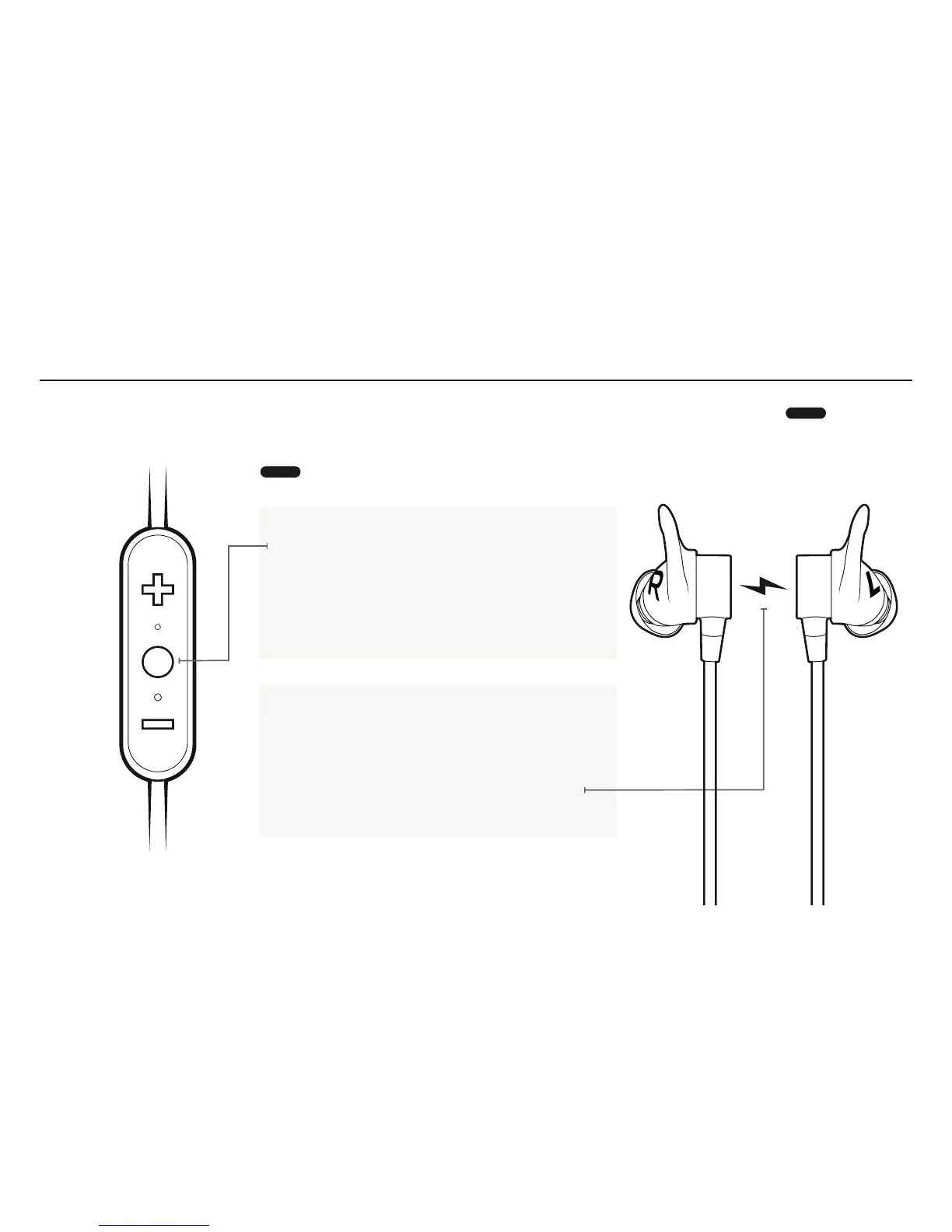
Turn your earbuds ON: press and hold the Middle
Button until you hear an ascending “Power on” tone
and the LED turns solid white.
Turn your earbuds OFF: press and hold the Middle
Button until you hear a descending “Power off”
tone and the LED illuminates red before turning off.
Magnetic ON/OFF:
When the earbuds are snapped together they
disconnect from your audio device and
re-connect when you pull the earbuds apart.
If the earbuds are left snapped together for 15
minutes or more, the earbuds will power off.
LONG PRESS



 To Next Page