16
DETAILED INSTRUCTIONS
PHONE CALLS
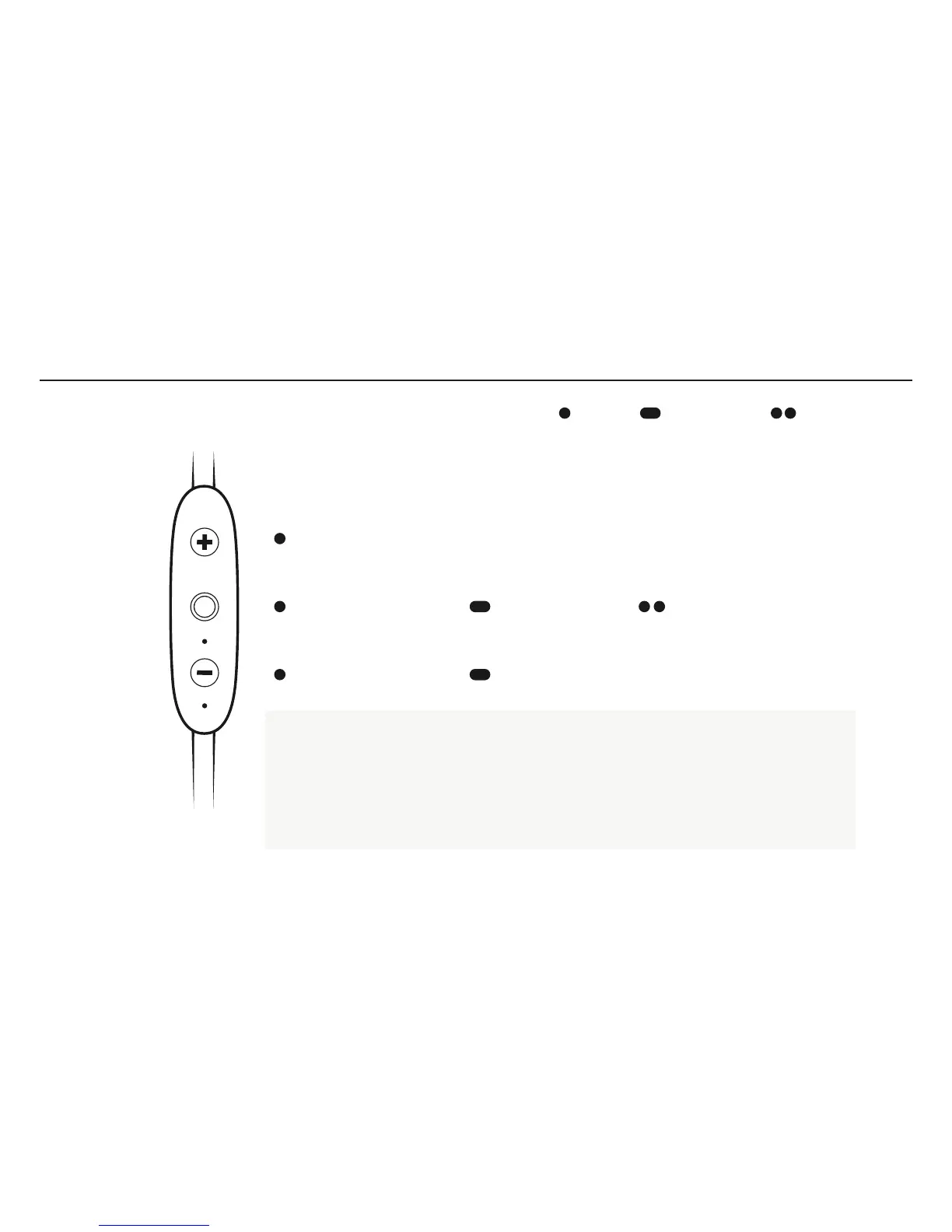
Accept a phone call: press the Middle Button.
To decline a phone call: long press the Middle Button.
To mute or unmute a call: long press the Vol – Button.
To redial: a phone number you can double press the Middle Button.*
To change the volume + or –: press the Vol + or Vol – Button.
*Standby Mode: Powered and not playing music or on a phone call.
PRESS DOUBLE PRESSLONG PRESS
VOLUME +
ACCEPT END A CALL DECLINE A CALL REDIAL
VOLUME MUTE UNMUTE



 To Next Page