Rack mount Series UPS (1~3kVA) User ‘s Manual
-27-
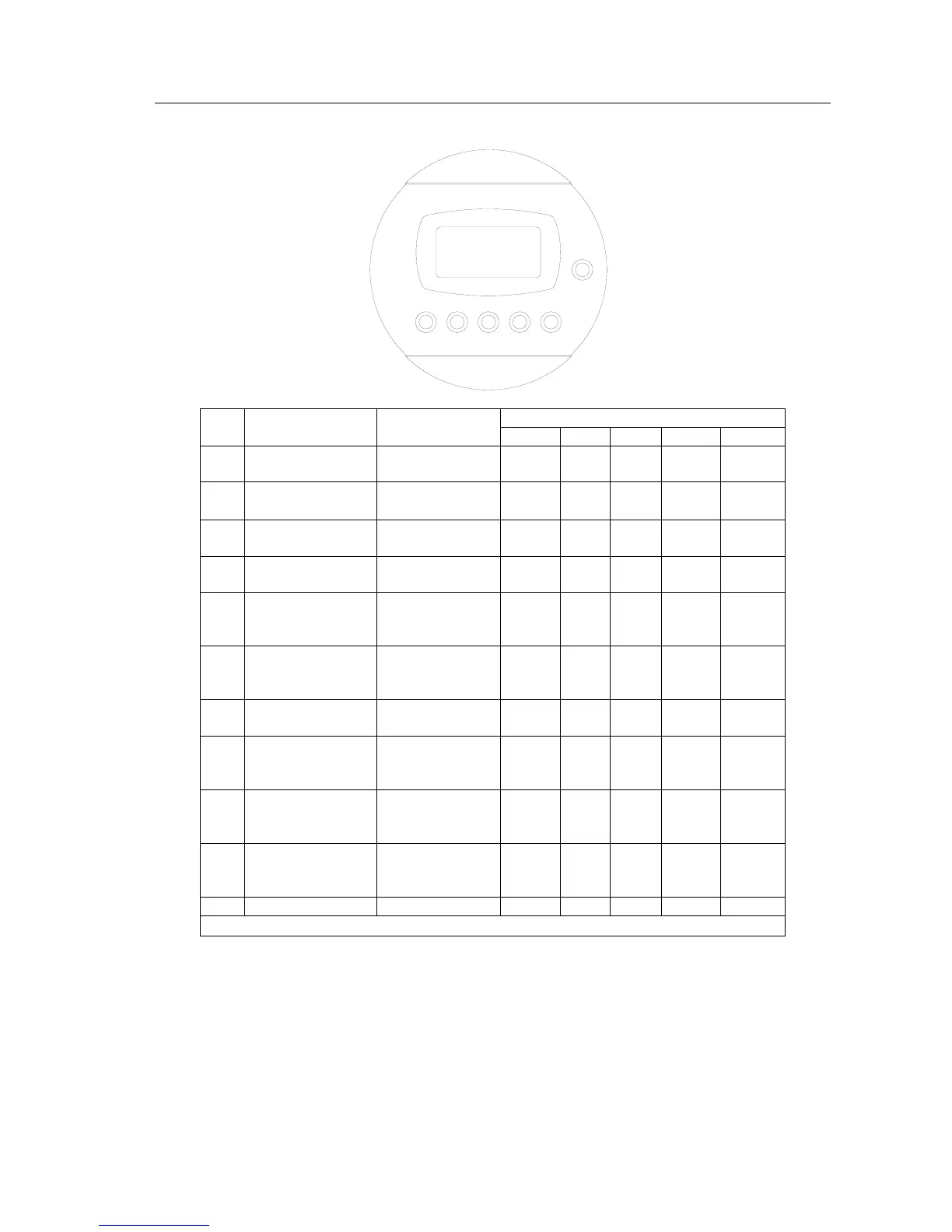
2、Table for LCD display and working status instruction:
SELECT
LINE INV. BYP. BATT. FAULT
LCD display default pages are output pages, In this default page, by pressing the SELECT it
will display the input parameters page, the input frequency page, battery voltage page, output
load page, the temperature page, UPS status page.
The UPS status page includes UPS normal status, main fault status, UPS bypass status,
UPS overload status, battery low voltage status, UPS fault status, UPS close status, UPS
alarm status.
No.
UPS working
status
Alarm
LED indication
LINE INV. BYP. BATT. FAULT
1
Bypass working
(UPS close)
none ▲ × ● ▲ ▲
2
L
、N wire
reversed
Alarm 1 second
every minute
○ ▲ ▲ ▲ ▲
3
Battery low
voltage alarm
1 beep every
0.5 second
▲ ▲ ▲ ○ ×
4
Battery over
voltage alarm
1 beep every
0.5 second
▲ ▲ ▲ ○ ×
5
The last 10S for
remote control to
close UPS
1 beep every
1.5 second
▲ ○ × ▲ ×
6
UPS detects that
no battery
connected
None ▲ ▲ ▲ ○ ×
7 Main fault
3 beeps every
10 seconds
× ▲ × ▲ ▲
8
Main mode,
overload
protection
Long beeping ▲ × ▲ ▲ ●
9
Battery mode,
overload
protection
Long beeping × × × ▲ ●
10
Battery mode,
low voltage
protection
Long beeping × × × ○ ●
11 UPS fault Long beeping ▲ × ▲ ▲ ●
×:light off;○:Flashing;●:Long time light on;▲:Keep original status



 To Previous Page