61
Park brake LED ashing
-Parking brake not set
(if applicable)
-Ground signal lost at
park brake control
-Set parking brake (if ap-
plicable)
-Check for continuity to
ground on wire plugged
into park brake connector at
control box.
Low voltage LED ashing
Incoming violated to
control box is below
12.0 VDC
Check 2-pin power connec-
tor at control box. If voltage
is below 12.0 VDC contact
O.E.M for power and ground
supplies.
The Power Gear® slideout system requires very little maintenance. Read and follow these
procedures:
When the room is extended, visually inspect the slide rail assemblies. Check for
excess buildup of dirt or foreign material; remove any debris that may be present.
If the system squeaks or makes any noises, blow out any debris from the gear rack
arms and apply a dry lubricant to prevent and/or stop squeaking.
Refer to the Power Gear® website www.powergearus.com for additional information.
In the event of component failure or loss of system power, your slideout can be manually
overridden and retracted for travel.
Use this procedure when there is loss of power or electrical problem with the system.
1. Remove the touchpad (Fig 4) from the wall.
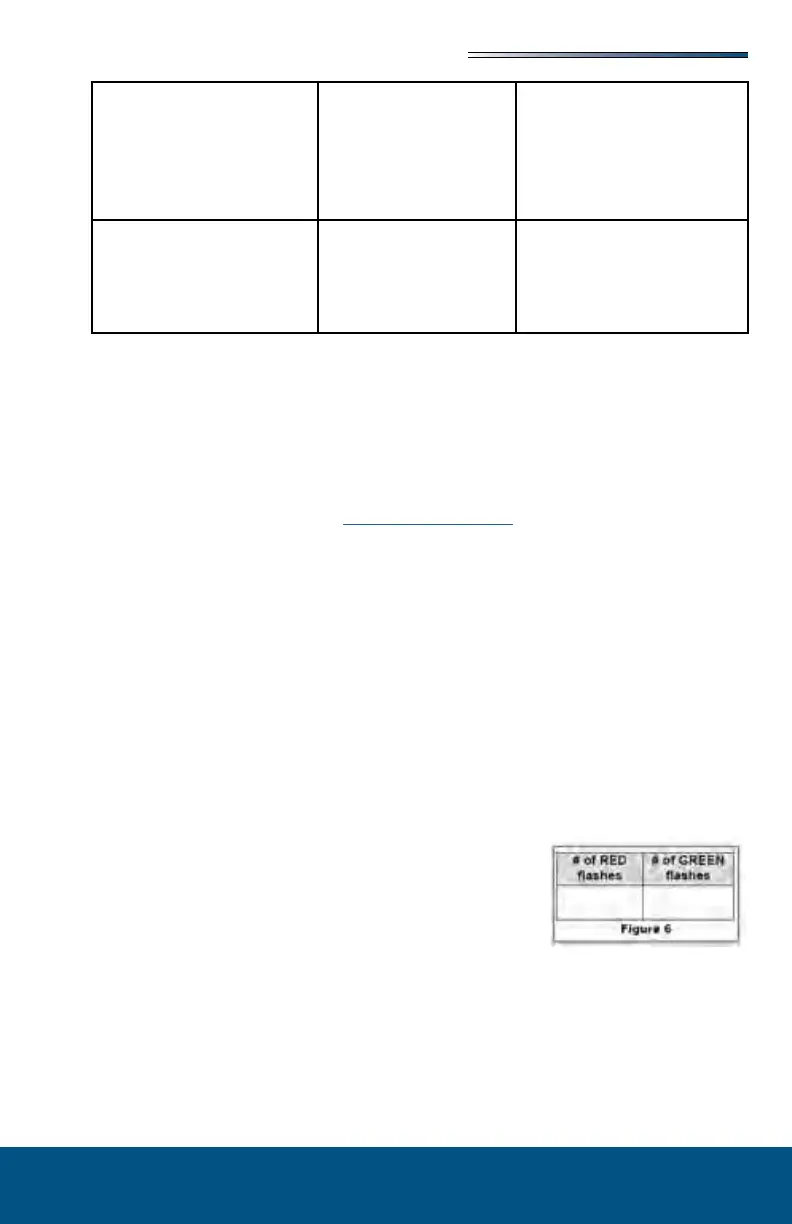
2. Prior to clearing the MAJOR fault, record the number of
RED & GREEN ashes observed on the touchpad (Fig 6).
This information will help your dealer/service center in
troubleshooting the slideout system.
3. Press and hold the SET STOPS/CLEAR FAULTS button
on the back of the touchpad for ve (5) seconds (Fig 2). Both RED & GREEN LEDs
will be on solid while pressing this button. After 5 seconds, the GREEN LED will
begin ashing and the RED LED will remain solid on.
4. The unit is now ready to retract the room. Press and hold the ROOM SLIDEOUT MO-
TOR buttons 1 and 2 on the back of the touchpad (Fig 3).





 To Next Page