10
Changing the resolution setting of video
1. Press OK button to open the menu.
2. Press Up or Down Direction key to select ‘Movie Size’ option.
3. Press Right Direction key.
4. Press Up or Down Direction key to select the required resolution setting: 640 x 480 or
320 x 240.
5. Press OK button to confirm the selection. Then press OK button to exit the menu.
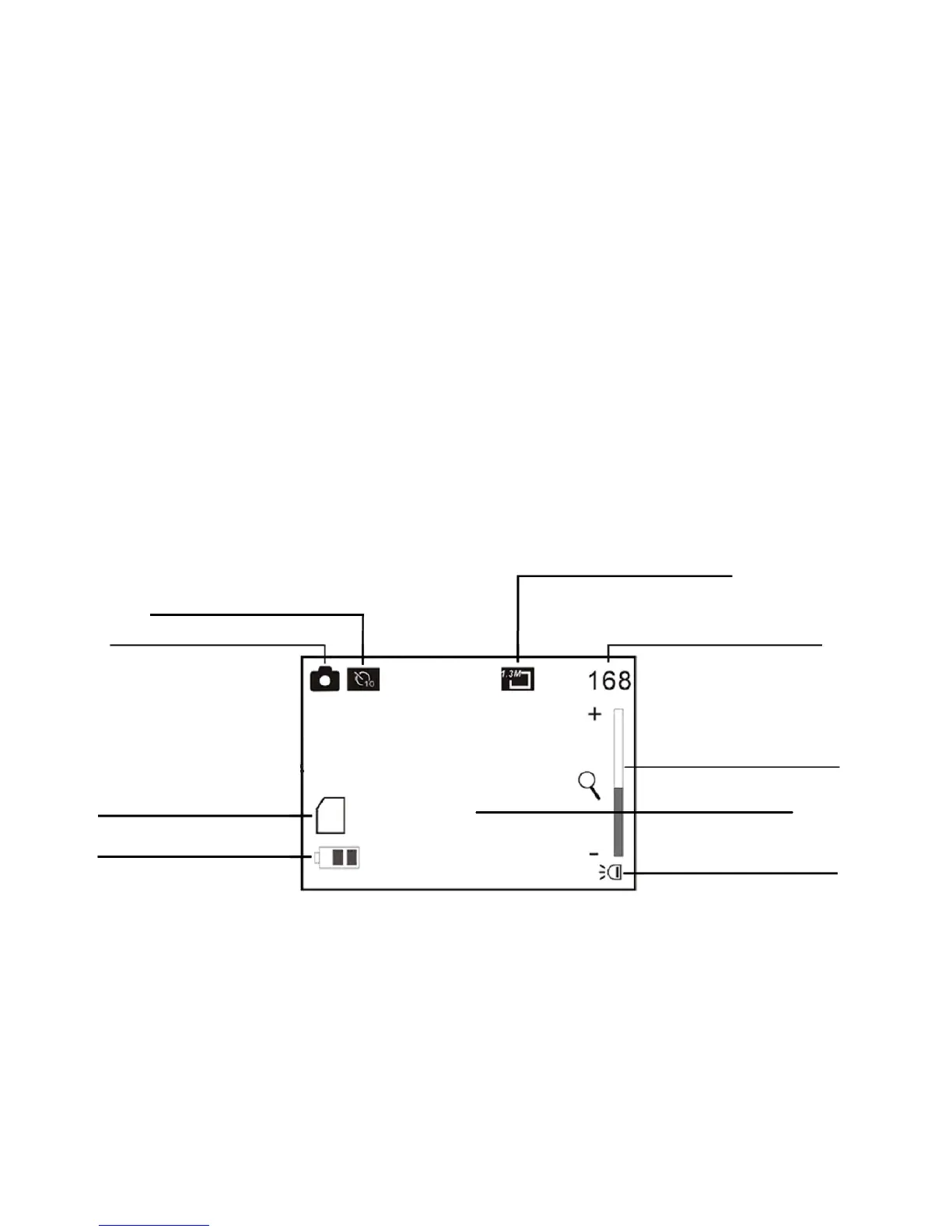
9. Camera mode:
Preview mode
Image resolution mode
Image counter



 To Next Page