9
Recording the Video clip
1. Open the LCD screen.
2. Press / hold the Power key and turn the camera ON
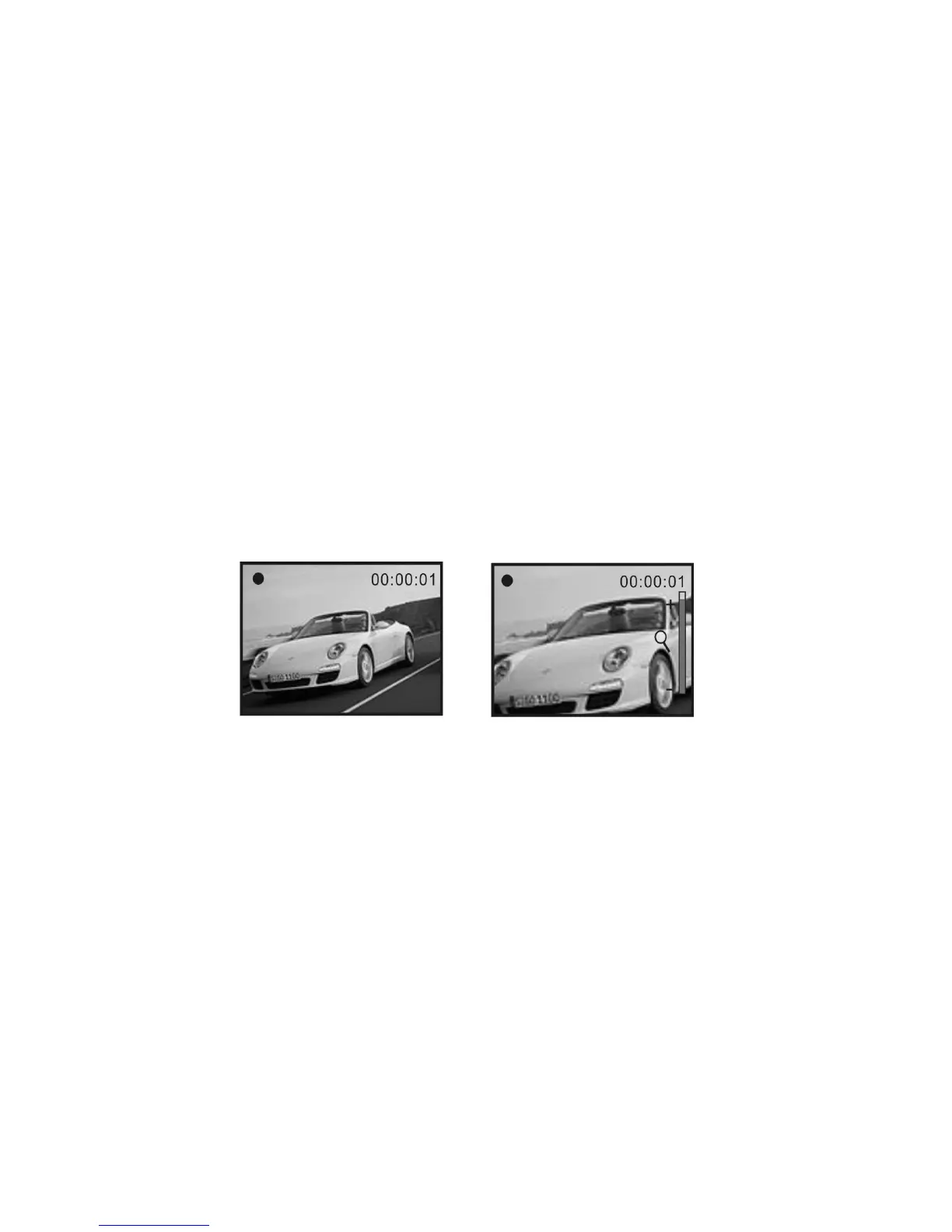
3. Press the Shutter key to start recording video
4. To stop recording, press the Shutter key again.
Note that if the memory card is full, camera will stop recording by itself.
5. Zoom IN or zoom OUT during recording by pressing Zoom keys; camera has 4X
digital zoom range.
NOTE: Please note that recorded video and images appear slightly narrower on camera LCD
screen than actual recorded scene.
• The LCD screen acts as a viewfinder to help you more accurately point at and center the
main subject or person while recording.



 To Next Page