6
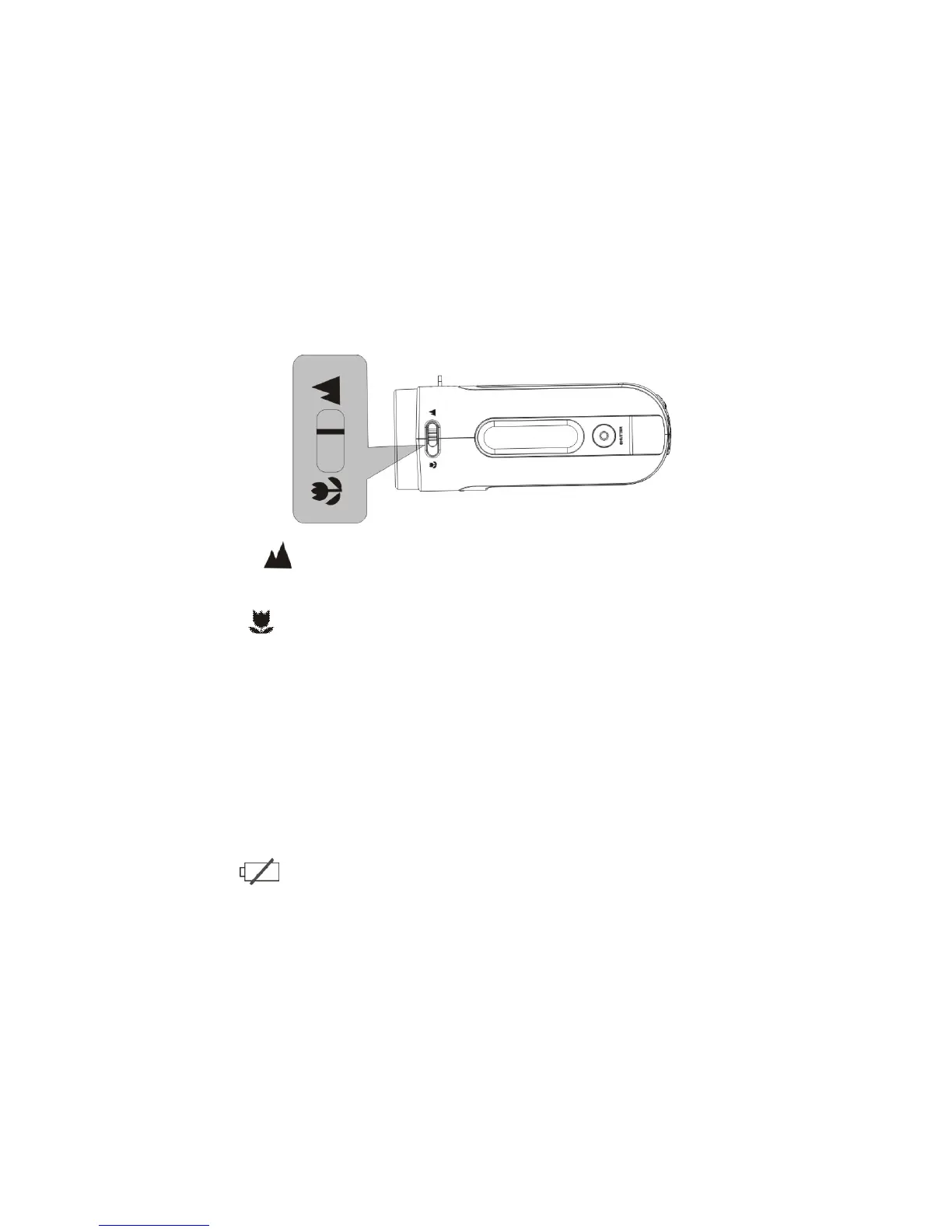
1. Normal setting is suitable for shooting subjects located 5 feet or more away
from the camera
2. Macro setting is suitable for shooting close-up subjects 6” – 10”away.
4. Power ON / OFF the camera
1. Power ON: press the Power key for a second or two to turn the camera ON.
2. Power OFF: press the Power key (when the camera is active) to turn the power OFF.
Auto Power OFF: When camera has been left idle for 1 minute, the camera will turn
OFF automatically. The automatic power OFF delay time can be set at 1, 3 or 5
minutes. Go to Setup Mode / Power Save and make adjustment if necessary (see
also Section 11 Setup the camera).
3. Low power: When the batteries become exhausted, the LCD display will display low
battery icon and the Auto Power feature will turn the camera OFF.



 To Next Page