7
5. Selecting the MODE of the camera
When activated, the camera is set in the Video (recording) mode.
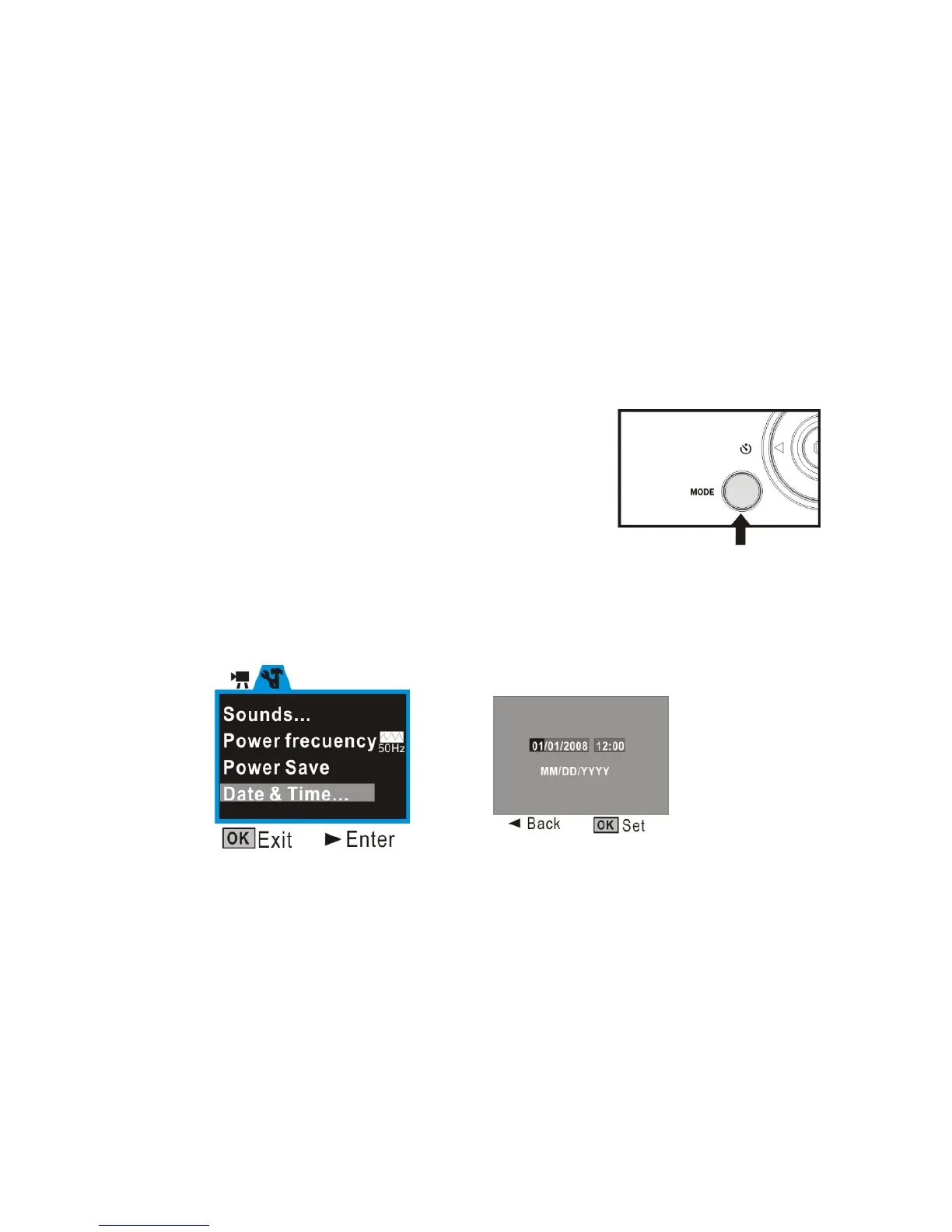
Press the MODE key to change or select desired mode:
Video (default mode) – recording video clips
Camera mode – taking still photos, images
Playback mode – playing back recorded video
or displaying still photos
6. Setting Date and Time:
Press OK button. Then press Right Direction key to enter Setup Menu. Press Up and
Down Direction key to select ‘Date & Time’ option. Then press Right Direction key and the
current system date and time are displayed on the LCD screen.
To change the date and time, use the Direction key: Up or Down to adjust, Right key to
move the cursor, OK button to confirm, then OK button to Exit setup mode.



 To Next Page