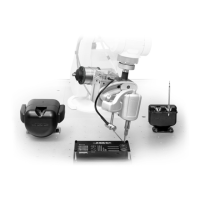
2210 cartridges
See page 38 for range
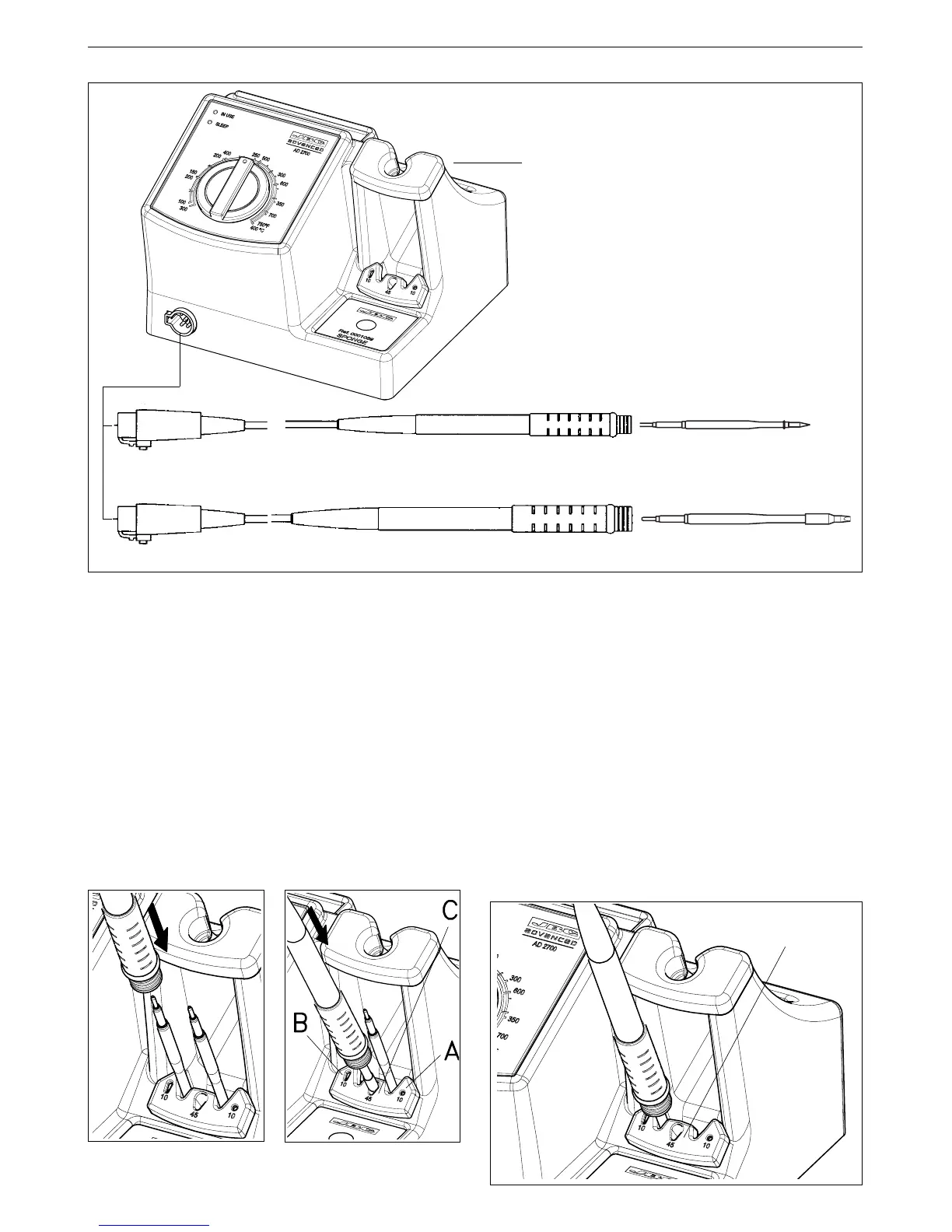
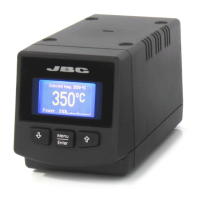
Control unit
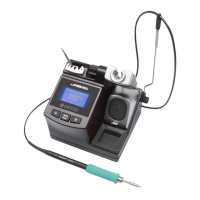
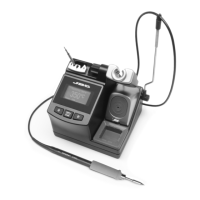
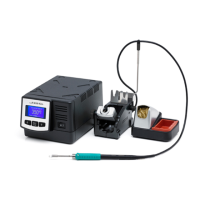
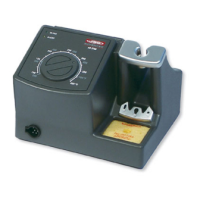
AD 2700 230V Ref. 2700200
AD 2700 120V Ref. 2700100
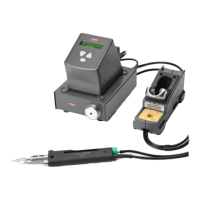
2245 handpiece Ref. 2245000
See page 40 for range
2245 cartridges
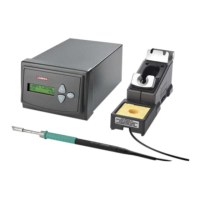
2210 handpiece Ref. 2210000
AD 2700 Quick guide
TOOLS: The AD 2700 allows connection of two
types of soldering handpieces: the 2210 (20W
nominal power) and the 2245 (50W nominal power).
Each one is to be used with their corresponding
cartridge range.
SETUP:
1. Connect the power cord to the power socket
at the back of the control unit and to the 230V
powergrid. Switch on the station using the
main switch.
2. Connect your chosen handpiece to the
handpiece connector at the front of the control
unit.
3. Select the desired temperature using the dial.
TOOL'S STATUS:
WORK: When the handpiece is out of its stand,
the green LED "IN USE" is continuously on and
the tip is at working temperature.
SLEEP: When the tool rests in its stand, the yellow
LED "SLEEP" is continuosly on and the tool
temperature idles down to sleep.
POWER CUT OFF: The green LED "IN USE"
flashes when the tool rests in the cartridge
extractor, in this position the station stops heating
the soldering tip.
6. The station will now be ready for use within a
few seconds.
4. Put a cartridge in
the cartridge stand
and pick it up with
the handpiece.
5. Secure the cartridge
by pushing the
cartridge's tip into
the corresponding
opening.
Cartridge
extractor
1
ENGLISH


 To Next Page