EasyManua.ls Logo

JBL CINEMA SB250 - User Manual

JBL CINEMA SB250
10 pages
Print Icon
To Next Page IconTo Next Page
Loading...
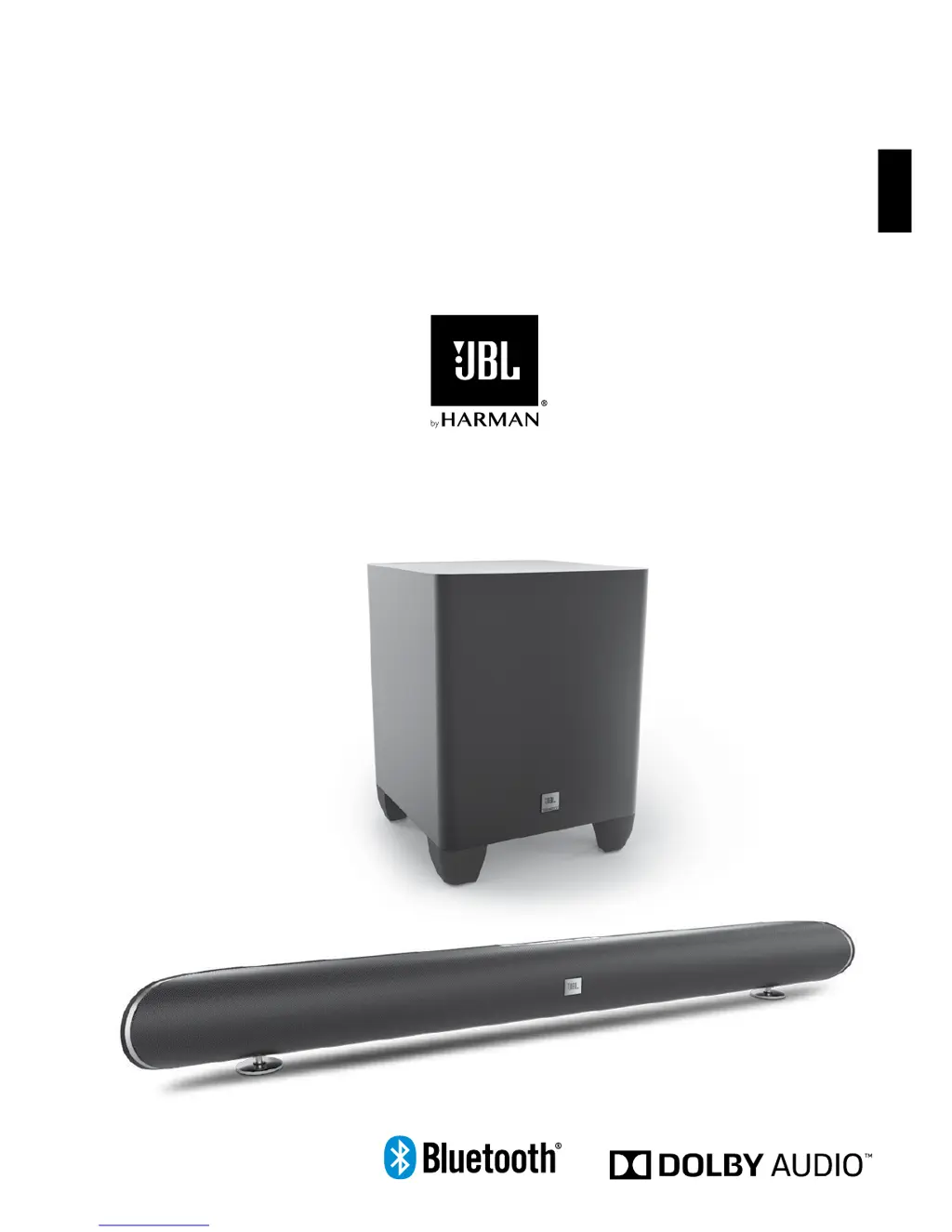
JBL CINEMA SB250
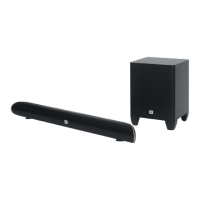
Home Cinema 2.1 soundbar with wireless subwoofer
OWNER'S MANUAL
ENGLISH

Other manuals for JBL CINEMA SB250

Questions and Answers

Summary

Introduction

System Overview

JBL CINEMA SB250 is a 2.1 soundbar system with wireless subwoofer for a realistic cinema experience.

Items Included

Lists all components provided: soundbar, subwoofer, remote, cables, and wall mount accessories.

Soundbar Controls and Connections

Top Panel Controls Overview

Details on power, source, volume, surround mode, and Bluetooth/pairing buttons on the soundbar.

Rear Panel Controls and Connections

Explains power switch, AC input, pairing button, EQ switch, analog and optical inputs, and USB port.

Subwoofer and Remote Functions

Subwoofer Controls and Connections

Details on subwoofer power indicator, phase switch, wireless pairing button, and AC power input.

Remote Control Functions

Comprehensive guide to all 11 command buttons on the remote control for system operation.

Placement and Positioning

Soundbar Placement

Instructions for placing the soundbar on a table or mounting it on a wall.

Subwoofer Placement

Guidance on optimal subwoofer placement in the listening room for best bass performance.

Operation and Connectivity

Pairing the Subwoofer

Steps to establish a wireless connection between the soundbar and the subwoofer.

Bluetooth Operation

How to stream audio wirelessly from a Bluetooth-enabled device to the soundbar.

System Adjustments and Programming

Adjusting System Volume

Tips for setting optimal listening volume and understanding volume reset behavior.

Surround Mode Operation

How to switch between stereo and surround sound modes for different audio experiences.

TV Remote Programming

Guide to program the soundbar to respond to your TV remote's commands.

Troubleshooting Common Issues

Power and No Sound Issues

Solutions for the soundbar/subwoofer not turning on or no sound being produced.

Sound and Volume Problems

Addresses distorted sound, low bass output, and volume reset issues.

TV Integration Issues

Solutions for issues when turning the TV on/off affects the soundbar's state.

Summary

Introduction

System Overview

JBL CINEMA SB250 is a 2.1 soundbar system with wireless subwoofer for a realistic cinema experience.

Items Included

Lists all components provided: soundbar, subwoofer, remote, cables, and wall mount accessories.

Soundbar Controls and Connections

Top Panel Controls Overview

Details on power, source, volume, surround mode, and Bluetooth/pairing buttons on the soundbar.

Rear Panel Controls and Connections

Explains power switch, AC input, pairing button, EQ switch, analog and optical inputs, and USB port.

Subwoofer and Remote Functions

Subwoofer Controls and Connections

Details on subwoofer power indicator, phase switch, wireless pairing button, and AC power input.

Remote Control Functions

Comprehensive guide to all 11 command buttons on the remote control for system operation.

Placement and Positioning

Soundbar Placement

Instructions for placing the soundbar on a table or mounting it on a wall.

Subwoofer Placement

Guidance on optimal subwoofer placement in the listening room for best bass performance.

Operation and Connectivity

Pairing the Subwoofer

Steps to establish a wireless connection between the soundbar and the subwoofer.

Bluetooth Operation

How to stream audio wirelessly from a Bluetooth-enabled device to the soundbar.

System Adjustments and Programming

Adjusting System Volume

Tips for setting optimal listening volume and understanding volume reset behavior.

Surround Mode Operation

How to switch between stereo and surround sound modes for different audio experiences.

TV Remote Programming

Guide to program the soundbar to respond to your TV remote's commands.

Troubleshooting Common Issues

Power and No Sound Issues

Solutions for the soundbar/subwoofer not turning on or no sound being produced.

Sound and Volume Problems

Addresses distorted sound, low bass output, and volume reset issues.

TV Integration Issues

Solutions for issues when turning the TV on/off affects the soundbar's state.

JBL CINEMA SB250 Specifications

Audio IconAudio
frequency response45Hz – 20kHz
maximum SPL100dB
total amplifier power320W max
Speaker Components IconSpeaker Components
left and right speaker driverstwo 55mm (2.25") full range drivers
tweeter32mm (1.25") dome tweeter
subwoofer driver165mm (6.5") driver
Weight and Dimensions IconWeight and Dimensions
soundbar dimensions39.4" x 2.4" x 3.1" (1000 x 62 x 78mm)
soundbar weight7.3 lb (3.3 kg)
subwoofer dimensions9.5" x 9.5" x 12.6" (242 x 242 x 320mm)
subwoofer weight10.6 lb (4.8 kg)

Videos

How to pair JBL Cinema SB250 subwoofer?

Related product manuals